
A UV printer for industrial labels is useful for more than decorative printing. For many sign shops, equipment suppliers, control-panel builders, and product manufacturers, it can become a practical production tool for nameplates, warning labels, serial plates, rating plates, machine tags, QR-code labels, asset labels, and short-run branded components. These jobs are usually small in size, but they carry real commercial value because the buyer needs durability, accuracy, repeatability, and fast turnaround.
The strongest opportunity is not simply printing one-off labels. It is building a repeatable workflow for B2B customers who need the same label style across machines, electrical panels, spare parts, packaging, sample kits, and product batches. This article explains materials, adhesion, white ink, barcode clarity, fixture setup, print settings, cost control, quality checks, and how industrial-label content can support the broader UV printer category page on MTuTechPrinter.
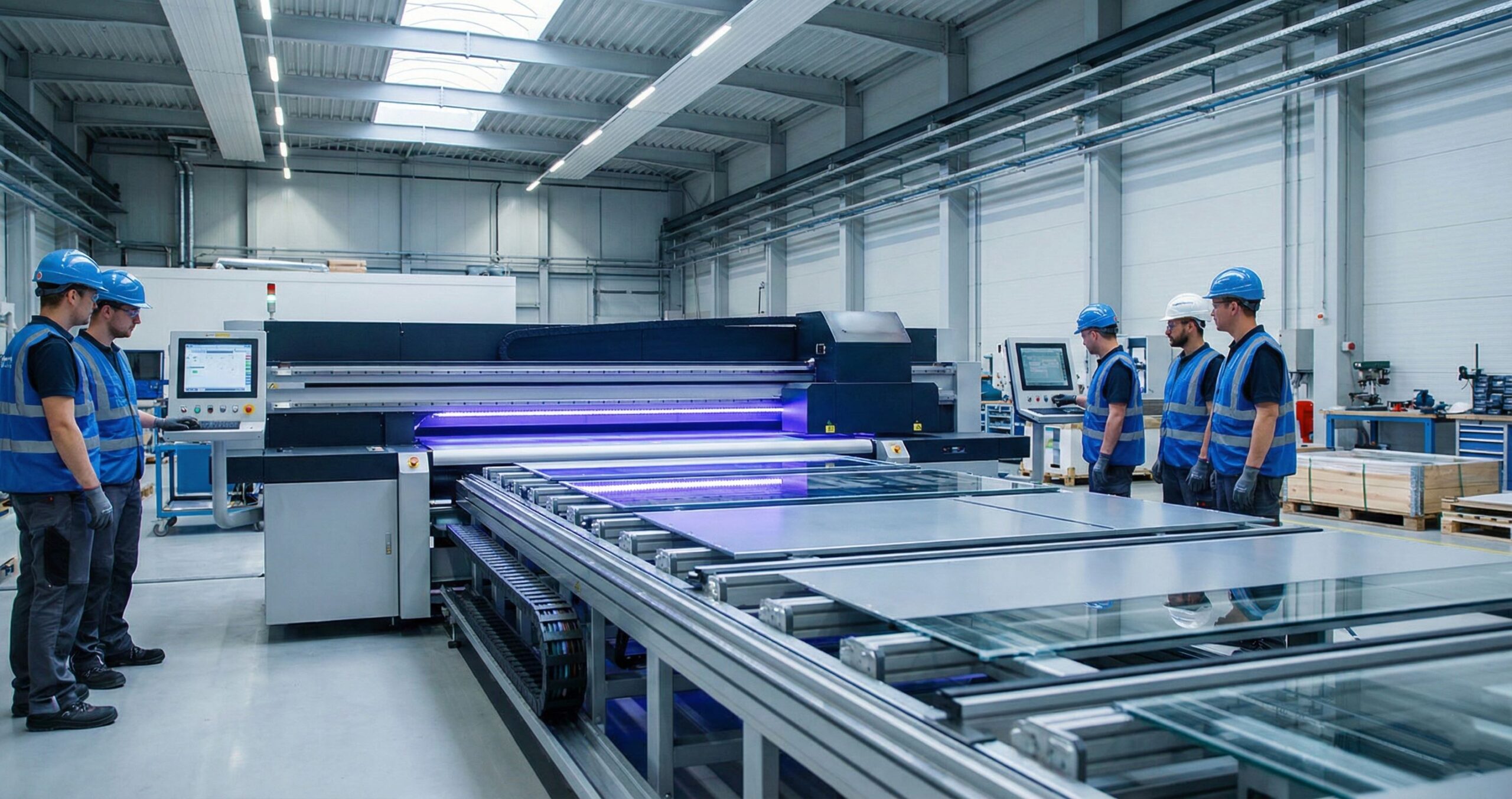
Why Industrial Labels Are a Strong UV Printing Niche
Industrial labels are valuable because they solve a business problem rather than a purely decorative one. A manufacturer may need 30 rating plates this week, 200 QR-code labels next month, and a revised batch when a specification changes. A repair company may need serialized tags for equipment tracking. A control-panel builder may need warning labels that match the panel layout and remain readable after handling, cleaning, and installation.
Traditional options such as screen printing, engraving, laser marking, vinyl labels, or outsourced metal tags all have their place. The challenge is that many modern buyers do not want long lead times or high minimum quantities. Direct UV printing gives a shop the ability to handle short runs, variable data, color branding, small graphics, white ink layers, and fast revision cycles without resetting a full screen-printing workflow.
This is why the niche fits a production-focused commercial UV printer. The customer may not search only for a machine name. They may search for practical phrases such as UV printer for metal labels, machine nameplate printer, industrial asset label printing, custom rating plate printing, and QR code nameplate printer. A strong support article can attract those long-tail searches and pass authority to the relevant commercial printer pages.
Best Products to Sell First
The fastest path is to start with products that have predictable sizes, common materials, and clear buyer value. Highly irregular parts can come later. A focused menu helps the sales team quote faster and helps operators build jigs that can be reused.
- Machine nameplates for equipment, tools, electrical boxes, and branded assemblies.
- Rating plates with model numbers, voltage, capacity, warnings, and compliance text.
- QR-code and barcode labels for asset tracking, service instructions, and inventory control.
- Control-panel legends, switch labels, faceplates, and small dashboard plates.
- Industrial safety labels for indoor equipment, maintenance points, and operating instructions.
- Branded aluminum, acrylic, or plastic tags for sample kits and product demos.
- Short-run prototype labels used before a manufacturer commits to mass production.
For a shop that already sells sign or display work, industrial labels can also support the UV printer applications cluster because the same machine may print signs in the morning and nameplates in the afternoon. The difference is the quality standard. Industrial work is less forgiving on text readability, registration, and repeatability.
Which Materials Work Best?
Material choice decides most of the workflow. A UV printer can print on many rigid surfaces, but every material behaves differently under cleaning, curing, handling, and end use. A label that looks perfect on the bed may fail later if the surface energy, coating, or cleaning method was wrong.
| Material | Best Use | Workflow Notes |
|---|---|---|
| Anodized aluminum | Machine tags, rating plates, asset labels | Good industrial look. Clean carefully and test adhesion. See the related anodized aluminum UV printing guide for deeper material notes. |
| Brushed stainless steel | Premium nameplates, durable labels, equipment branding | Use primer or adhesion promoter when required. White ink backing can improve color visibility. |
| Polycarbonate or PET | Control panels, overlays, durable labels | Flexible enough for overlays. Confirm ink bonding and bend tolerance before quoting. |
| Acrylic | Sample tags, signs, brand plates, display labels | Excellent finish, but static and dust control matter. Reverse printing may be useful. |
| PVC or ABS sheets | Indoor equipment labels and economical tags | Easy to cut and print, but test heat and chemical exposure limits. |
When a customer asks for outdoor exposure, solvent resistance, abrasion resistance, or compliance labeling, do not assume every UV ink and material combination is enough. Build test samples, document the material, and ask about the actual environment. The best substrates for UV printing guide is useful when comparing material compatibility before committing to a production run.
Adhesion Starts Before Printing
Many failed industrial-label jobs are not caused by the printer. They are caused by handling. Fingerprints, oil, cutting dust, static, protective-film residue, and inconsistent cleaning can weaken adhesion before the file ever reaches the RIP. A good shop treats preparation as part of the product, not as a quick wipe before printing.
Simple Prep Workflow
- Remove protective film only when the part is ready to be cleaned and printed.
- Use gloves when handling metal, acrylic, or glossy plastic blanks.
- Clean with the correct material-safe cleaner and allow the surface to dry fully.
- Use an adhesion promoter only where testing shows it is needed.
- Keep prepared blanks covered until they go onto the print bed.
- Run a small adhesion test before approving a new material or coating.
For metal labels, especially aluminum and stainless steel, customers often expect a long service life. A shop should test crosshatch adhesion, tape pull, scratch resistance, and cleaning resistance for the most common materials. These tests do not need to be complicated, but they should be consistent.
White Ink, Color, and Small Text
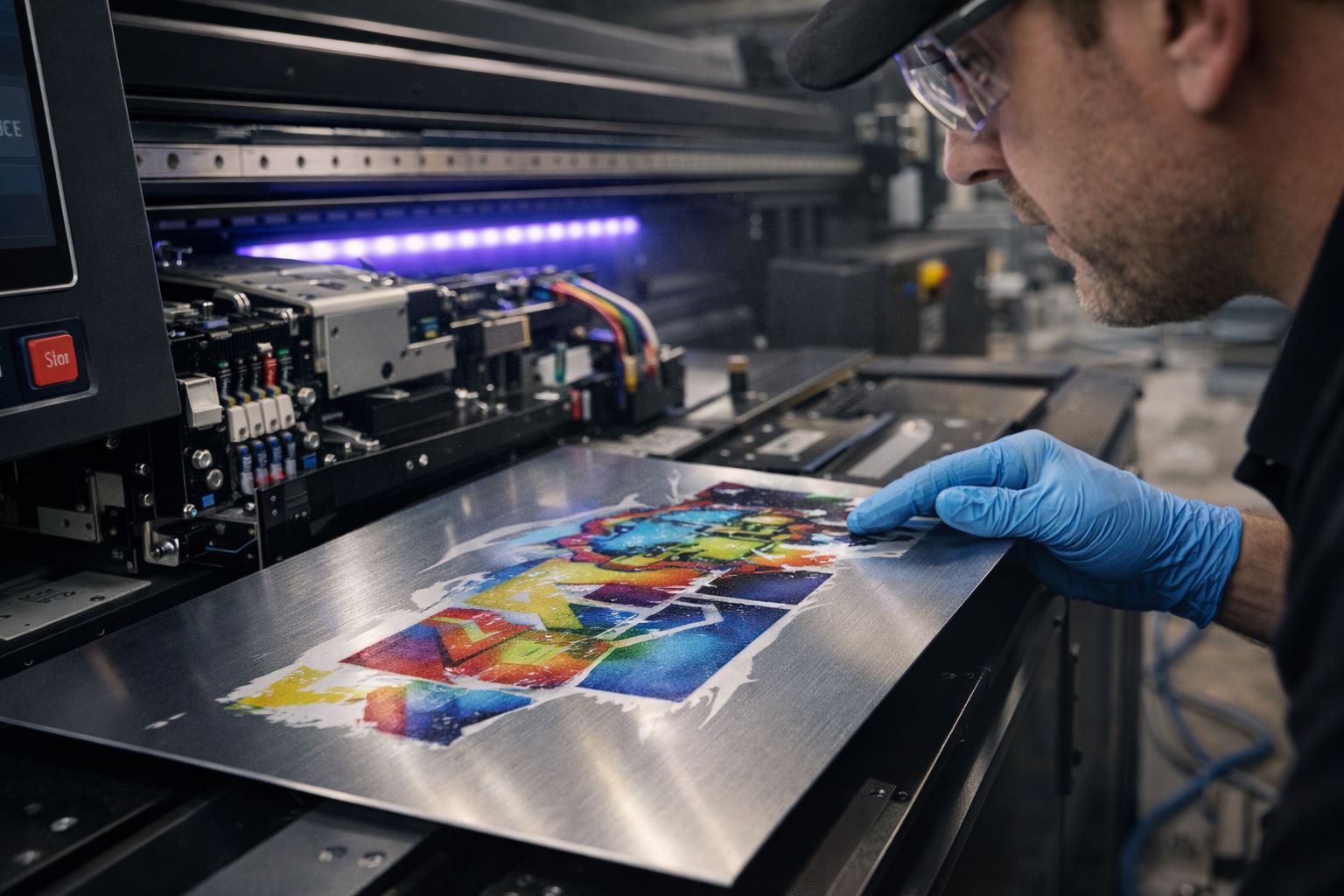
White ink is one of the biggest reasons industrial labels look professional. On clear acrylic, brushed metal, black plastic, and colored blanks, CMYK alone may look weak. A white underbase lets warning icons, brand marks, QR codes, and small text remain readable. A white flood layer can also create a solid label background when the blank material is dark or reflective.
The trick is to use white ink with restraint. Too much white can create raised edges, longer curing needs, and rougher small text. Too little white can make colors disappear on dark material. For industrial labels, create a few standard presets: CMYK only, white underbase under color, white text, white flood plus CMYK, and reverse-print options for transparent materials. The white ink in UV printers article explains when white ink is useful and when it adds unnecessary complexity.
Barcodes, QR Codes, and Variable Data
Industrial buyers often need scannable labels. This is where UV printing can win repeat business, but only if the shop controls file quality and inspection. A QR code that looks sharp to the eye may still fail under low light, curved reflection, or a warehouse scanner. A barcode with too much ink spread may pass on paper but fail on a glossy metal plate.
Barcode and QR Code Checklist
- Keep codes at a practical size instead of pushing the smallest possible mark.
- Maintain quiet zones around barcodes and QR codes.
- Use strong contrast, especially on brushed or reflective materials.
- Scan the first pieces with a phone and with the type of scanner the customer uses.
- Lock variable-data fields so serial numbers do not shift between rows.
- Print a reference sheet and keep it with the job record for repeat orders.
If the job includes hundreds of unique serial numbers, the RIP and file-preparation workflow matter. A production team should know how to merge data cleanly, keep page order correct, and check the first and last printed pieces. The client file preparation guide is useful for building a prepress checklist before accepting variable-label work.
Choosing the Right UV Printer Configuration
Industrial labels do not always need the largest bed size. What they need is stable registration, clean small text, reliable white ink, proper bed vacuum or hold-down, and repeatable fixture placement. A compact flatbed may be enough for small plates, while a larger bed is better when the customer wants many labels printed in one setup.
The UV printer 9060 can be a practical size for nameplates, small panels, sample plates, acrylic labels, and mixed short runs because it gives more room than a desktop unit without forcing every buyer into a large-format industrial platform. For bigger panels, larger flatbed configurations listed on the main UV printer page may make more sense.
Visual alignment also matters. When blanks are pre-cut, irregular, or mixed by shape, a visual positioning UV printer can reduce jig dependency and operator setup time. It is not mandatory for every label job, but it becomes valuable when short-run batches change constantly.
Production Workflow for Repeat Orders
A profitable label workflow is built around repeatability. Every repeat order should get easier, not start from zero. Save the blank size, material source, cleaning method, print preset, jig layout, curing settings, operator notes, customer approval proof, and packaging method.
A Practical Shop Workflow
- Confirm the label environment: indoor, outdoor, chemical exposure, abrasion, temperature, and expected lifespan.
- Choose the material and finish based on the environment, not only on appearance.
- Prepare artwork with correct bleed, safe margins, code size, white layers, and serial fields.
- Print a small proof and test adhesion, readability, and scanning.
- Approve the material, print mode, and finishing method before the full batch.
- Print the batch with a saved jig or bed template.
- Inspect codes, text, registration, scratches, and edge quality before packing.
- Archive the setup so the next order can be repeated quickly.
This kind of discipline turns a UV printer from a general-purpose machine into a B2B production system. It also helps sales teams position industrial labels as a premium service, not a commodity sticker.
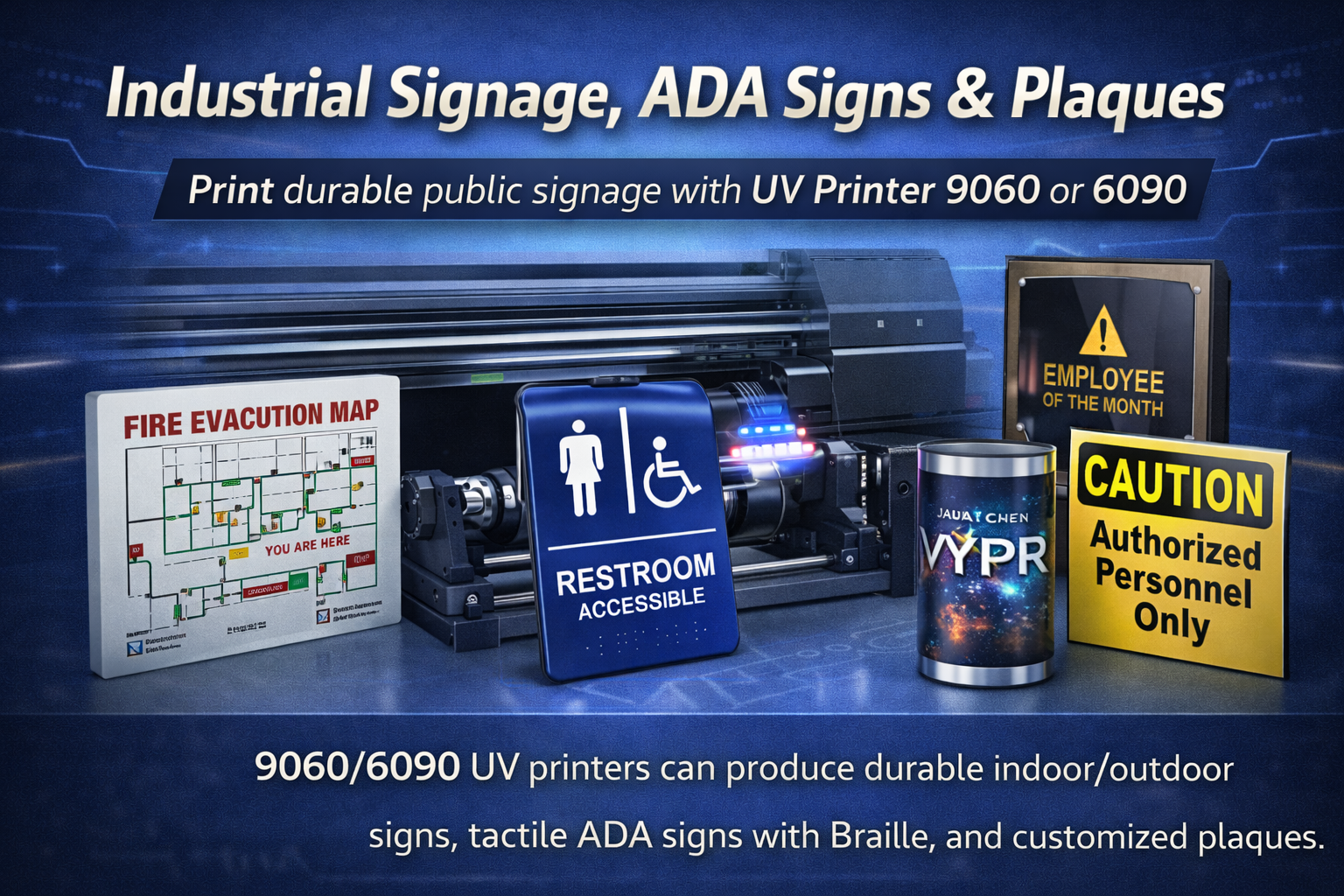
Pricing Industrial Labels Without Undervaluing the Work
Industrial labels are small, but they should not be priced like simple office stickers. The value includes material sourcing, file setup, white ink control, testing, variable data, inspection, and repeat-order reliability. A shop that charges only by square inch can miss the real cost of prepress and quality assurance.
Quote with a setup fee, material cost, print time, finishing, inspection, packaging, and rush timing. If the customer needs serialized data, barcode testing, or material-specific durability testing, include it in the quote. Buyers who need reliable labels usually understand that quality control costs money. They mainly want confidence that the label will be readable and repeatable.
Build a Sample Kit Before Selling Volume Orders
Industrial buyers are easier to close when they can hold real samples. A sample kit does more than show print quality; it helps the buyer choose material, finish, thickness, color style, corner radius, hole position, QR-code size, and adhesive or mounting method. Instead of explaining every option over email, the sales team can send a small kit with three or four common label types and ask the buyer which one matches the product environment.
A useful sample kit might include a brushed aluminum rating plate, a white-backed acrylic tag, a black plastic warning label, a QR-code asset tag, and a small control-panel legend. Each sample should include a printed note about material, thickness, finish, and recommended use. This gives the buyer confidence and also creates a reference point for repeat orders. When the customer says, “Use the same style as sample B,” the quoting and production process becomes much faster.
Sample kits also help the website. A blog article can link to the applications page for broader use cases, while the sales team can use the same article as an education piece for new leads. That combination builds trust before the buyer speaks with a salesperson.
Questions to Ask Before Quoting an Industrial Label Job
A few questions can prevent most quoting mistakes. Ask where the label will be used, how long it needs to last, whether it will face sunlight, cleaning chemicals, oil, abrasion, heat, or outdoor exposure, and whether the customer has an existing sample to match. Ask if the order needs holes, adhesive backing, rounded corners, serial numbers, barcodes, or sorted packaging. Also ask whether this is a prototype, a one-time order, or a recurring production requirement.
These questions do two useful things. First, they protect the shop from promising the wrong material or durability level. Second, they signal professionalism to the buyer. A customer who needs equipment labels is often less impressed by flashy design language and more impressed by a supplier who understands installation, service, scanning, and repeat ordering.
Shipping, Packaging, and Handling Details
Small industrial labels can be damaged after printing if packaging is careless. Glossy acrylic can scratch, metal edges can rub against neighboring pieces, and freshly printed surfaces can collect dust if they are packed too early. Add a packaging step to the workflow rather than treating it as an afterthought.
For premium labels, use protective film, paper interleaving, small zip bags, or labeled sets. If the order contains serial numbers, keep them in sequence and label the pack. If the customer will install labels on a production line, package by machine, panel, or department. This kind of organization turns a print order into a reliable manufacturing support service, which is exactly what B2B buyers value.
Common Mistakes to Avoid
- Printing on unfamiliar coated metal without adhesion testing.
- Using small QR codes without scanning them after printing.
- Letting white ink spread into tiny text or barcode zones.
- Allowing fingerprints or cutting dust onto cleaned blanks.
- Quoting every job as a custom experiment instead of building standard product tiers.
- Forgetting to link industrial-label content back to the right commercial printer page.
FAQ
Can a UV printer print durable industrial nameplates?
Yes, if the material, cleaning method, ink setup, curing, and end-use conditions are tested properly. UV printing is especially useful for short-run and variable-data nameplates where fast artwork changes matter.
Is UV printing better than engraving for industrial labels?
It depends on the job. Engraving is strong for permanent marks, while UV printing is better for full color, logos, QR codes, warning icons, variable data, and shorter runs with frequent design changes.
Which MTuTech page should industrial-label buyers compare first?
Start with the main UV printer page for full machine options, then compare bed size, visual positioning, and production volume through the machine comparison page.
Final Recommendation
Industrial labels and nameplates are a strong UV printing niche because they combine repeat demand, practical buyer intent, and high value per square inch. Shops should focus on material testing, readable small text, QR-code reliability, and saved production templates. For buyers comparing machines, the right starting point is a stable UV printer configuration with white ink, reliable registration, and enough bed space for repeat batches.