
A UV printer for control panels is a strong long-tail opportunity because buyers are not looking for decoration only. They need readable icons, durable labels, sharp legends, brand marks, serial information, warning text, and repeatable layouts on panels that may be used in machines, electrical boxes, dashboards, shop equipment, laboratory devices, or industrial products. The job looks simple from a distance, but small text, alignment, white ink, material preparation, and repeatability decide whether the panel feels professional.
This guide is written for print shops, machine builders, control-panel fabricators, product developers, and small manufacturers comparing direct UV printing for panels and switch plates. It supports the main UV printer, visual positioning UV printer, and UV printer 9060 pages by answering a practical use-case question that is easier to rank than a broad head term.
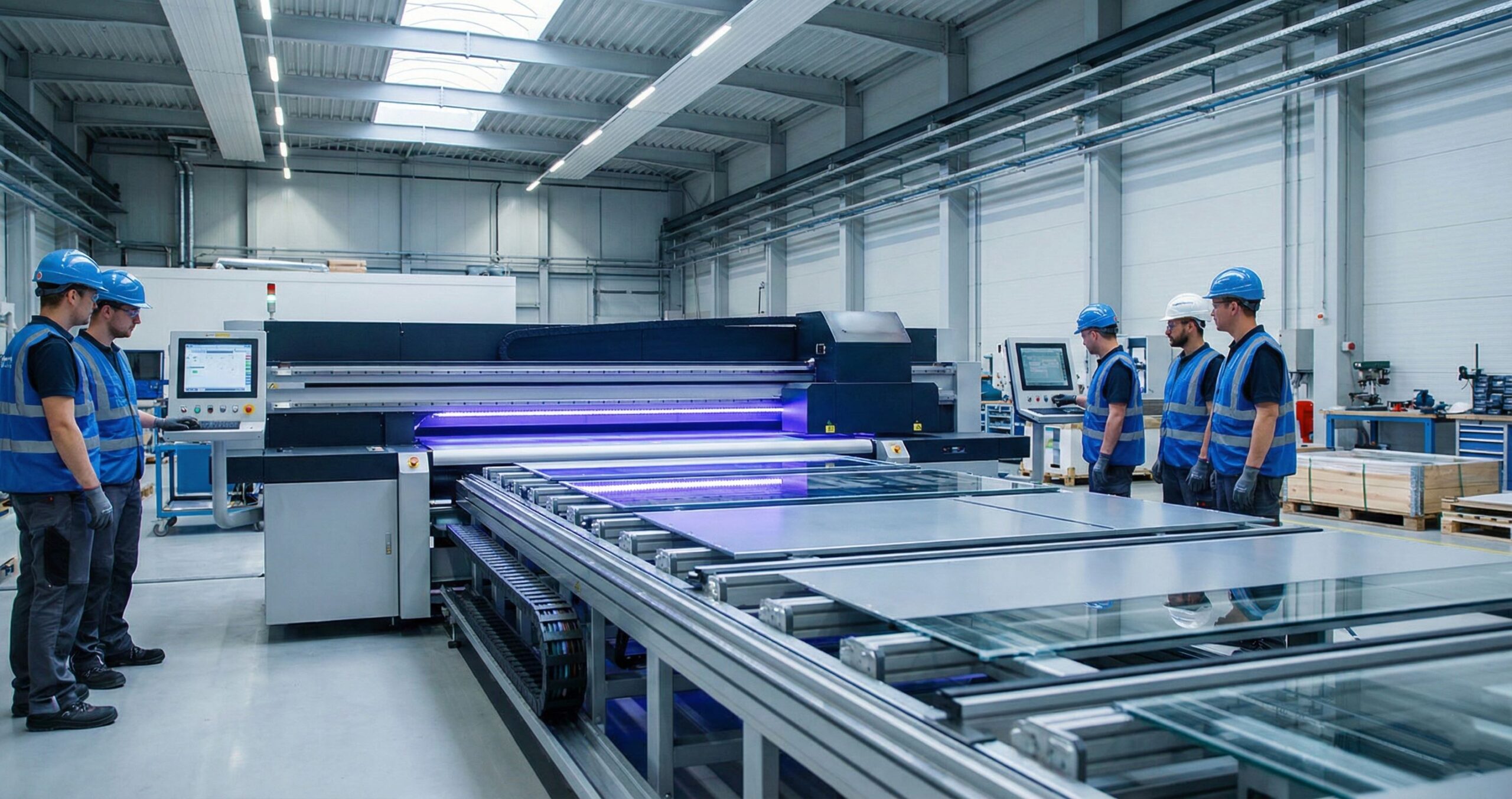
Why Control Panels Are a Good UV Printing Niche
Control panels and switch plates sit between industrial labeling and product decoration. The buyer may need one prototype today, a batch of 25 next week, and a revised version after testing. Traditional screen printing can work for high-volume stable designs, but it becomes slow when the buyer needs short runs, color icons, revised layouts, or variable serial information. Engraving is durable, but it cannot easily reproduce color branding or detailed graphics.
Direct UV printing fits because it can produce short runs on rigid sheets, pre-cut panels, or flat switch plates with minimal setup. It also allows white ink under graphics, varnish accents, QR codes, warning icons, and small text. This gives a shop a clear service package: prototype panels, branded equipment plates, replacement control plates, machine interface panels, and operator instruction plates.
Best Products to Offer First
- Small machine control panels with icons, arrows, and operating labels.
- Electrical switch plates, push-button plates, and selector-switch legends.
- Prototype product panels for testing and investor demos.
- Replacement labels and overlays for older equipment.
- QR-code service panels with maintenance links and serial references.
- Branded aluminum, acrylic, PVC, or polycarbonate faceplates.
These jobs can send qualified internal authority to the applications page because they show a commercial use case beyond general signs or gifts.
Materials That Work Well
| Material | Use Case | Workflow Notes |
|---|---|---|
| Anodized aluminum | Machine plates, durable control panels, product tags | Clean carefully and test adhesion. See the anodized aluminum UV printing guide for deeper material notes. |
| Brushed stainless steel | Premium equipment plates and industrial products | Use white ink or primer when needed; check reflection and readability. |
| Polycarbonate | Overlays, panel fronts, flexible faceplates | Good for printed overlays; test bend and scratch behavior. |
| Acrylic | Prototype panels, display controls, sample plates | Glossy and clean-looking, but dust and static control matter. |
| PVC or ABS | Economical indoor switch plates and test panels | Easy to cut and print; confirm heat and cleaning limits. |
Material choice should follow the working environment. A panel used indoors on a demo machine has different needs than a panel used near oil, cleaning chemicals, heat, vibration, or outdoor exposure. The UV substrate guide can help narrow the material decision before sample testing.
White Ink and Icon Readability
White ink is often the difference between a panel that looks acceptable and one that looks production-ready. On dark plastic, brushed metal, transparent acrylic, and colored panels, CMYK alone may not be readable enough. A controlled white underbase lets icons, text, and warning symbols stand out. A white flood layer can also create a clean label field on a dark or reflective panel.
The key is to avoid overbuilding the white layer. Heavy white can soften tiny text, create raised edges, and increase curing demands. For panels, build standard presets: CMYK only, white under color, white-only legends, flood white plus color, and reverse-print options for clear acrylic. The white ink guide is useful for understanding when white ink helps and when it adds unnecessary complexity.
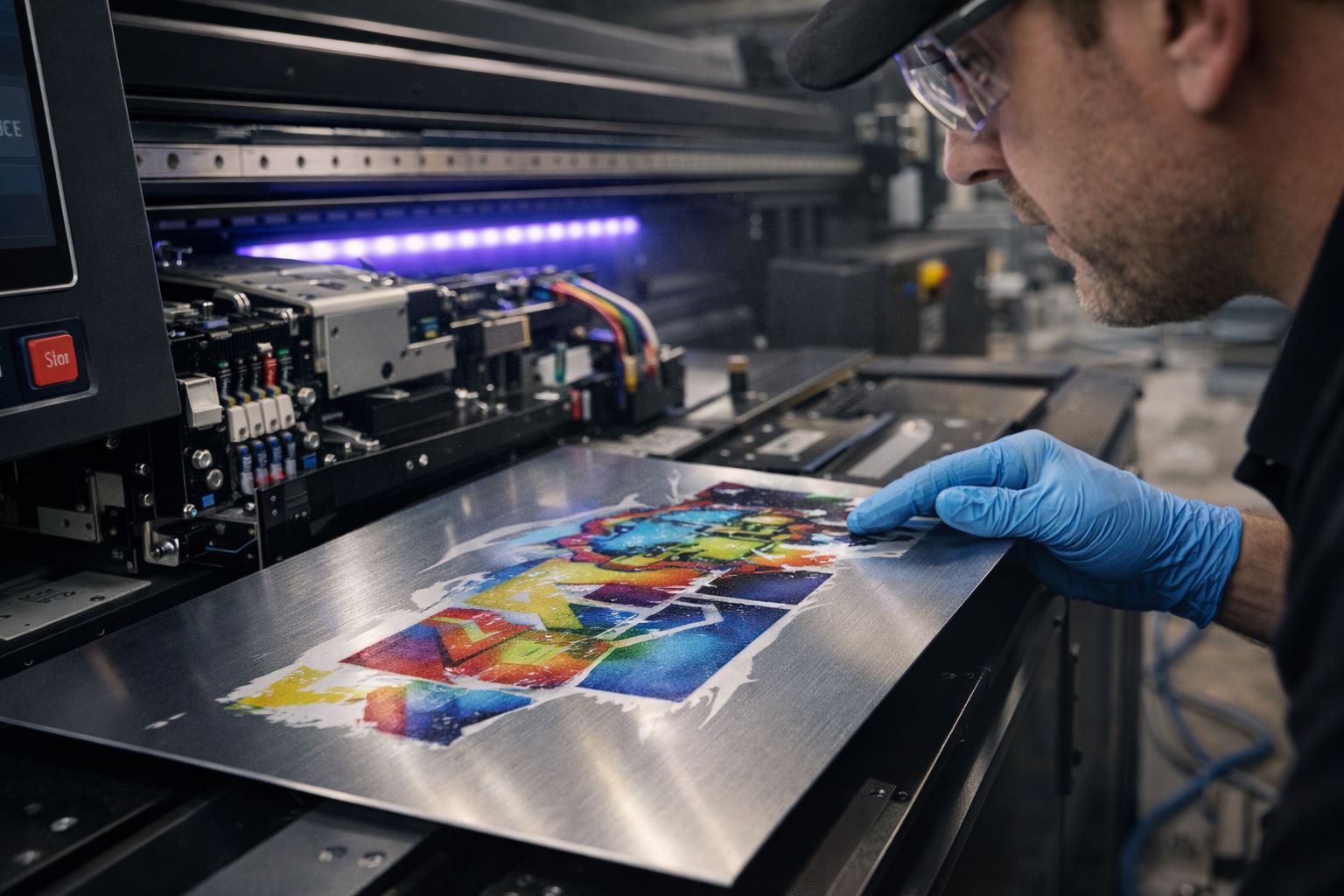
Design Rules for Control Panels
Control-panel artwork should be designed for use, not only appearance. Operators must read it quickly. Service teams may scan it later. Icons need consistent size. Text should not crowd holes, edges, screw positions, switches, or cutouts. Before printing, the designer should confirm the exact panel dimensions and the physical position of every component.
Prepress Checklist
- Confirm panel size, cutouts, holes, and switch positions.
- Keep text away from screws, corners, and bend zones.
- Use high-contrast icon and label colors.
- Keep QR codes large enough for real scanning conditions.
- Create separate layers for CMYK, white, and varnish where needed.
- Print a sample before the full batch and test fit with hardware installed.
The file preparation guide is useful for customers who send mixed CAD exports, raster logos, or low-resolution panel art.
Direct UV vs Stickers and Overlays
Some control panels are best printed directly, while others work better as overlays. Direct UV printing is strong for rigid panels, prototypes, small batches, and branded plates. Overlays may be better when the panel needs a protective film, tactile layer, or replaceable surface. A shop should explain both options clearly instead of forcing every job through the same process.
| Requirement | Good Fit | Reason |
|---|---|---|
| Prototype panel | Direct UV printing | Fast revisions and low minimum quantity. |
| High-contact operator interface | Polycarbonate overlay | Protective layer may be useful. |
| Branded metal equipment plate | Direct UV on metal | Premium finish with color and white ink. |
| Replacement warning label | Direct UV or UV DTF | Compare with UV DTF labels when the part is awkward to place on a bed. |
| Irregular pre-cut panels | Visual positioning UV printer | Camera alignment can reduce fixture complexity. |
Machine Features to Compare
A good panel-printing setup needs stable bed registration, white ink control, accurate small-text output, sufficient bed size, and a repeatable fixture method. A mid-size flatbed such as the UV printer 9060 can handle many panel and switch-plate jobs without requiring a large-format setup. For mixed pre-cut panels, visual positioning can reduce manual alignment time.
Buyers should also check software workflow. Panel printing often needs layers, spot white, small text, barcode files, CAD exports, and repeat templates. This makes RIP software more important than many first-time buyers expect.
Questions to Ask Before Quoting
Control-panel jobs need a better intake process than normal flat signs. Ask whether the panel is a prototype, replacement part, or repeat production item. Confirm whether the customer is supplying blanks or needs the shop to source material. Ask whether the panel will be used indoors, outdoors, near heat, near cleaning chemicals, or in a high-touch operator area. Also ask whether holes, cutouts, screws, switch positions, or labels must match an existing drawing.
For machine builders, ask whether the artwork will change after testing. Prototype panels often go through several revisions after engineers test button positions, icon wording, or safety instructions. If revisions are likely, quote the job as a prototype workflow with a clear proofing stage rather than as a finished production batch. That protects margin and sets better expectations.
Proofing and Sample Approval
Never treat the first control panel as the final standard unless it has been checked physically. Print one proof, place the actual switches or hardware through the holes, and verify that icons sit where the operator expects them. A label that is only 2 mm too close to a button can look careless on a finished product. If QR codes or serial codes are included, scan them under the lighting conditions the customer will use.
For repeat buyers, keep a sample or high-resolution photo of the approved panel. Record material, cleaning method, print mode, white ink setting, operator note, and packaging method. This converts the next order from a custom experiment into a controlled repeat job.
Durability Testing for Panels
Durability testing does not need to be complicated, but it should be consistent. Run a tape pull test, rub test, scratch check, and cleaner exposure test on the most common materials. If the panel will be used around oil, alcohol, or cleaning chemicals, test those conditions before promising performance. For outdoor or high-heat uses, create a separate approval process because material and ink behavior can change over time.
Document test results in plain language. A customer does not need a lab report for every small job, but they do need to know whether the panel is suitable for light indoor use, industrial indoor handling, or demanding environments. That level of clarity helps close B2B work and reduces disputes.
Production Workflow
- Confirm material, size, quantity, and panel environment.
- Prepare artwork with hole positions, safe zones, white layers, and icon spacing.
- Clean the panel surface and handle blanks with gloves.
- Use a jig, bed template, or camera alignment for repeat placement.
- Print one sample and verify fit, readability, QR codes, and adhesion.
- Print the batch using saved settings.
- Inspect small text, registration, surface scratches, and edge quality.
- Pack panels with separators so faces do not rub during shipping.
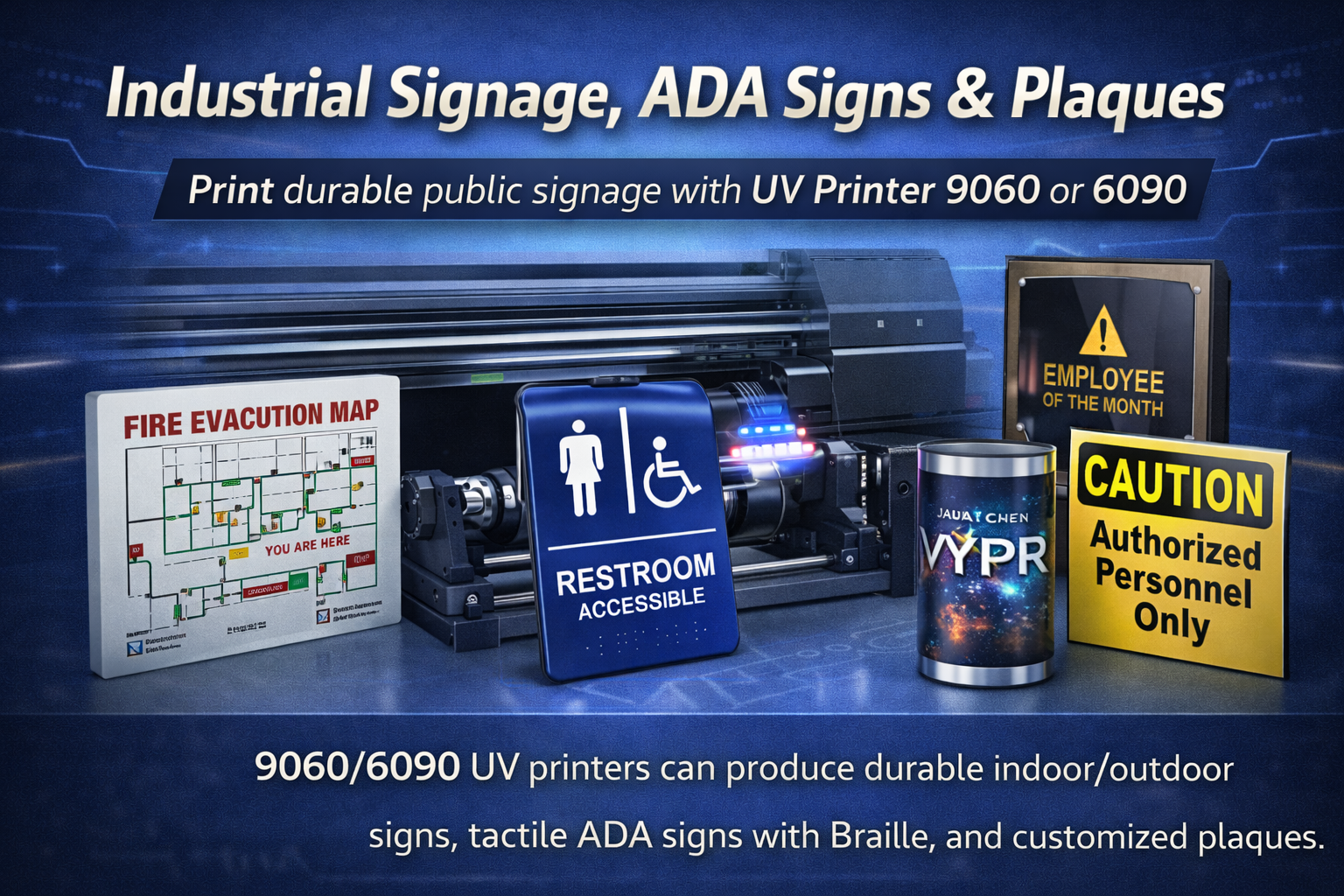
Pricing and Sales Positioning
Panel jobs should not be priced only by square inch. Include file repair, setup, material testing, white ink, barcode testing, jig time, inspection, and packaging. A one-off prototype panel may cost more per unit than a batch of 50 because the setup time is similar. Repeat orders can be more efficient when templates and settings are saved.
Sales teams should position this as a production support service: fast prototype panels, short-run machine plates, replacement control overlays, and branded equipment plates. That message is more specific and easier to rank than broad UV printing claims.
How to Package the Service for B2B Buyers
The easiest way to sell control-panel printing is to turn it into a clear package instead of treating it as an unusual custom request. A buyer should immediately understand what they get: material consultation, artwork review, one printed proof, white ink setup when needed, production printing, inspection, and protective packing. This is especially useful for machine builders and product developers because they usually care about reliability more than decoration.
A simple offer can be structured in three levels. The first is a prototype panel for testing layout, icons, and hardware position. The second is a short-run production batch for early sales, demos, or replacement panels. The third is a repeat-production setup where the artwork, material, print profile, fixture, and inspection checklist are saved for future orders. This structure makes the job easier to quote and gives customers a reason to come back for revisions or new models.
Where Visual Positioning Helps
Many control-panel jobs arrive as pre-cut parts. The holes, switches, screws, and curved corners may already be finished before the panel reaches the printer. In that situation, manual alignment can become the slowest part of the job. A visual positioning workflow can help the operator align artwork to the physical part instead of relying only on a fixed corner stop.
Camera alignment is especially useful for replacement panels, mixed-size plates, and small batches where building a dedicated jig would not be worth the time. It does not remove the need for clean artwork or material testing, but it can reduce setup friction and make short-run panel work more practical. This is why this topic should link closely to the visual positioning UV printer page when the article is used as a ranking support asset.
Common Problems and How to Prevent Them
- Soft small text: use the correct resolution, avoid excessive white buildup, and print a real-size proof.
- Poor adhesion: clean the material, test primer if needed, and check the exact panel surface before quoting durability.
- Misaligned icons: use a jig, bed template, or camera alignment when holes and switches are already cut.
- Unreadable QR codes: test scanning after printing, not only in the design file.
- Scratched panels during delivery: use separators, face protection, and careful packing for glossy or metal parts.
Buyer Intent and Ranking Opportunity
The search intent behind a term like UV printer for control panels is different from a broad UV printer query. The visitor is usually considering a real application: they need to produce panels, buy equipment for panels, or find a supplier who understands industrial parts. That makes the article valuable even if the search volume is smaller. A few qualified visitors from this topic can be more useful than many casual visitors from a general definition article.
For SEO, this post should build authority around industrial UV printing, not fight the main product page for the same keyword. It gives Google more evidence that the site covers material preparation, white ink, small-text printing, visual positioning, and production workflow. Those signals support commercial pages where buyers compare machines and request pricing.
Internal Link Strategy for This Topic
This article should not compete with the main UV printer page. Its job is to capture a narrower problem and send buyers to the correct commercial destination. The strongest internal path is from control-panel workflow to the main UV printer page, then to visual positioning UV printer when the buyer has pre-cut panels, and to UV printer 9060 when the buyer needs a mid-size flatbed for panel batches.
It should also connect sideways to material and prepress content. Links to metal printing, substrate compatibility, white ink, and file preparation help search engines see that MTuTechPrinter has supporting depth around industrial UV printing, not just product pages.
What to Monitor After Publishing
After this article is live, the most useful signals are impressions for control-panel, switch-plate, industrial panel, and machine-plate queries. Early movement may appear as impressions before clicks, especially because the term is specific and commercial. If the page starts showing for related long-tail searches, strengthen it with more product photos, customer examples, and direct links from relevant UV printer pages.
The commercial goal is not only for this article to rank by itself. It should also help the main UV printer pages gain relevance for industrial and manufacturing searches. Track whether users move from this post to the UV printer, visual positioning, and machine comparison pages.
FAQ
Can a UV printer print on control panels?
Yes. A UV printer can print directly on many rigid control-panel materials, including aluminum, stainless steel, acrylic, PVC, ABS, and polycarbonate, as long as material compatibility and adhesion are tested.
Do control panels need white ink?
Often, yes. White ink improves readability on dark, transparent, colored, or reflective materials. It is especially useful for icons, warning symbols, and small labels.
Which MTuTech printer should buyers compare?
Start with the main UV printer page, then compare bed size, camera alignment, and production requirements through the machine comparison page.
Final Recommendation
Control panels and switch plates are rankable, commercial-support topics because they connect real buyer intent with practical UV printing workflow. Build samples, test adhesion, use white ink carefully, save templates, and link this use case upward to the main UV printer pages. That gives both users and search engines a clear reason to trust the site for industrial UV printing applications.