
A visual positioning UV printer is not just a UV flatbed printer with a camera added on top. For the right production workflow, camera alignment changes how the shop quotes jobs, prepares fixtures, trains operators, and handles short-run orders. The return on investment comes from less jig making, fewer placement mistakes, faster setup, and better flexibility when every order has different shapes or artwork.
This guide explains visual positioning UV printer ROI in practical production terms. It is written for custom product shops, promotional product suppliers, packaging decorators, phone case businesses, acrylic sign makers, and industrial teams that print many small batches instead of one repeated design all day.
If you are comparing machines, read this together with the MTuTech visual positioning UV printer page and the camera alignment guide. The product page explains the machine; this article explains when the investment makes financial sense.
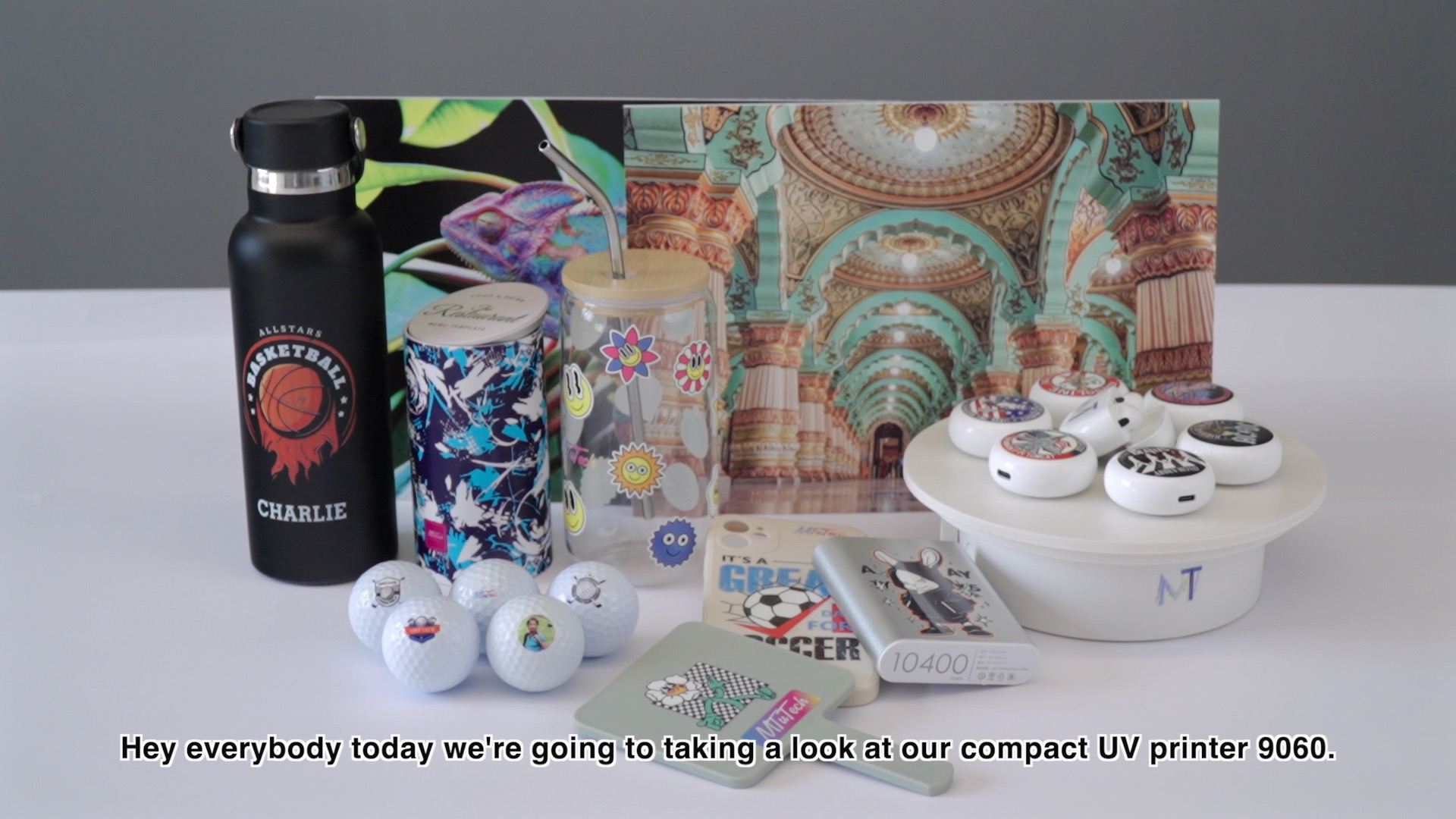
What Visual Positioning Actually Solves
Traditional UV flatbed printing depends heavily on accurate placement. The operator positions the product, aligns the artwork, checks the origin, and often uses a jig to repeat placement. That works well for stable, repeated production. It becomes slower when the shop prints mixed products, irregular shapes, small batches, or customer-supplied blanks.
A visual positioning system uses camera recognition to detect item position on the bed and align the print file to the real product location. Instead of forcing every object into a fixed jig, the workflow allows more flexible placement. The value is not only speed. It is the reduction of uncertainty before printing.
Common jobs where camera alignment helps
- Phone cases and electronics accessories with changing sizes.
- Acrylic signs, badges, awards, and nameplates.
- Promotional gifts with mixed shapes in one order.
- Packaging prototypes and sample runs.
- Industrial panels, control labels, and serialized parts.
- Short-run products where jig fabrication is not profitable.
If your production is one product, one shape, one layout, all day, visual positioning may be less urgent. If your production changes constantly, the ROI can appear quickly.
The Main ROI Drivers
Visual positioning UV printer ROI usually comes from four areas: setup time, jig cost, rework reduction, and job acceptance. A shop should calculate all four. Many buyers only compare print speed, but the biggest gain often happens before the first print starts.
1. Reduced setup time
Setup time includes loading products, aligning artwork, checking print origin, testing placement, and making adjustments. If a standard UV printer takes 20 to 40 minutes to prepare a new product layout, that time becomes expensive across many short jobs. A visual positioning system can reduce the alignment portion significantly because the camera helps match the print file to the real object position.
The key question is not, How fast does the printer move? The better question is, How many sellable jobs can the shop finish in a day when setup is included?
2. Lower jig and fixture cost
Jigs are useful, but they take time and money. They also work best when the same product repeats often. A promotional shop may print 50 different phone case styles in one week, then switch to acrylic tags, USB drives, and packaging samples the next week. Making dedicated fixtures for every small job may not make financial sense.
A visual positioning workflow reduces dependency on custom fixtures. Some products still need support or simple positioning guides, especially if height or stability is a concern, but the shop does not need a full custom jig for every order.
3. Fewer placement errors and reprints
A print that is beautiful but shifted 2 mm too far left is still a failed job. Placement mistakes waste product blanks, ink, operator time, and customer trust. Visual positioning helps reduce these errors by aligning artwork to the real product location rather than relying only on manual measurement.
This matters most for products with tight margins, visible borders, small logos, or expensive blanks. It also matters for customer-supplied products where replacement stock is not easy to source.
4. Ability to accept more short-run work
Some shops avoid small jobs because setup time kills profit. A visual positioning UV printer can make short-run orders more attractive. The machine does not magically make every job profitable, but it reduces the friction that normally makes small orders painful.
That can change the sales strategy. A shop can offer sample runs, limited editions, corporate personalization, mixed-SKU orders, or prototype decoration without quoting so high that the customer walks away.
Simple ROI Formula for a Visual Positioning UV Printer
Use a practical formula before buying:
Monthly ROI benefit = setup labor saved + jig cost avoided + reprint cost reduced + new short-run profit gained.
The exact numbers depend on local labor cost, product margin, job mix, and machine use. The point is to calculate real workflow savings, not only machine price.
| ROI area | What to measure | Why it matters |
|---|---|---|
| Setup labor | Minutes saved per job x jobs per month | Shows operator time recovered |
| Jig cost | Fixtures avoided per month | Shows savings on low-volume jobs |
| Rework | Failed blanks and reprints avoided | Shows quality cost reduction |
| New work | Short-run jobs accepted because setup is faster | Shows revenue expansion |
Example: Short-Run Promotional Product Shop
Imagine a shop that prints phone cases, acrylic tags, branded keychains, and packaging samples. The team handles 12 to 18 small jobs per day. On a traditional workflow, each job needs careful manual setup. Some products need a quick jig, some need tape marks, and some need test prints to confirm position.
If camera alignment saves only 10 minutes per job across 12 jobs, that is two hours recovered per day. Across 22 production days, that is 44 operator hours per month. If the shop also avoids several custom jigs and reduces reprints on expensive blanks, the ROI becomes stronger. The machine is not only printing faster; the whole order process is moving with less drag.
This is why visual positioning is especially useful for teams selling customization rather than one fixed product. It supports the business model of many small, profitable orders.
When Visual Positioning Is Worth the Investment
A visual positioning UV printer is usually worth serious consideration when several of these conditions are true:
- Your shop prints many different product shapes each week.
- Short-run setup time is limiting profit.
- Operators spend too much time measuring, taping, or making fixtures.
- Customer-supplied blanks are expensive to replace.
- You print logos or borders where placement accuracy is highly visible.
- You want to quote samples, prototypes, or mixed-SKU orders faster.
- Multiple operators need to produce consistent results.
If most of these apply, the ROI case is not only about labor savings. It is about making the shop more flexible and easier to scale.
When a Standard UV Flatbed May Be Enough
Visual positioning is powerful, but it is not required for every business. A standard UV printer or UV printer 9060 may be enough if the shop prints repeat products with stable fixtures. For example, if you print the same size acrylic plaque every day and already have a perfect jig, the camera may not create a dramatic ROI.
The decision should match job mix. A machine that is perfect for high-variety production may not be necessary for low-variety production. MTuTech’s broader UV printer range allows buyers to choose based on workflow rather than buying the most complex machine by default.
How to Test ROI Before Buying
Before investing, audit one normal production week. Record each job, product type, setup time, fixture time, failed units, operator adjustments, and customer delivery pressure. Do not estimate. Write down the actual numbers.
Audit questions
- How many jobs required a new layout or placement setup?
- How many minutes were spent before printing began?
- How many products were wasted because of alignment problems?
- How many small jobs were rejected because setup was not worth it?
- How often did only one experienced operator know how to set the job correctly?
If the answers show setup bottlenecks, a visual positioning UV printer deserves a closer look. If the answers show stable repeat production, compare standard flatbed, hybrid, and visual positioning models before deciding.
Best Products for Visual Positioning ROI
The best ROI products are usually flat or mostly flat items where placement matters and product variety is high. These include phone cases, acrylic awards, nameplates, badges, packaging samples, USB drives, promotional items, product tags, and industrial labels.

Operational Benefits Beyond the Spreadsheet
Some benefits are harder to measure but still important. Visual positioning can make training easier because operators rely less on manual alignment judgment. It can help sales teams offer faster samples. It can reduce stress during rush orders because the setup process is less fragile. It can also improve consistency when different operators handle the same type of job.
These benefits matter for growing shops. A business that depends on one expert operator is hard to scale. A workflow that is easier to teach becomes more stable as order volume grows.
How Visual Positioning Supports SEO and Sales Pages
For buyers researching online, visual positioning has several search intents: camera UV printer, positioning UV printer, jigless UV printing, phone case UV printer, and short-run product decoration. A blog like this should support the commercial visual positioning UV printer page by explaining the business case, not replacing the product page.
Internal linking should be clear. If the reader wants machine specifications, send them to the product page. If they want workflow comparison, connect them to the hybrid UV printer or UV printer 9060 pages. If they want quotation support, send them to Get Instant Quote.
ROI by Product Category
Visual positioning does not create the same return on every product. The strongest ROI usually appears where product value is high, alignment tolerance is tight, and order quantity is too small to justify a dedicated jig. A phone case business, for example, may handle many models and artwork placements in one day. A camera workflow can make that variety manageable. An acrylic awards shop may print fewer pieces, but each mistake can be expensive because the blank product has real value.
For low-cost promotional items, the ROI may come from volume and speed. If the shop prints mixed keychains, badges, USB drives, or small gifts, visual positioning helps keep batches moving without a long setup cycle for each shape. For industrial labels or panels, the return may come from accuracy and reduced rework rather than raw speed.
| Product type | ROI strength | Main reason |
|---|---|---|
| Phone cases | High | Many models, visible alignment, frequent short runs |
| Acrylic awards | High | Expensive blanks and tight placement expectations |
| USB drives and gifts | Medium to high | Mixed shapes and fast promotional orders |
| Packaging prototypes | High | Small batches and frequent design changes |
| One repeated product | Lower | A fixed jig may already solve placement |
Implementation Checklist After Buying
The ROI does not appear automatically on delivery day. The shop needs a disciplined rollout. Start with a small group of products, create standard templates, train one lead operator, then train the rest of the team after the workflow is proven. Build sample boards that show the camera workflow on real products. These samples help sales teams explain the value to customers and help operators understand what good output looks like.
- Choose five repeat product types for the first training week.
- Create standard artwork templates for each product group.
- Define when a product still needs support or a simple fixture.
- Record setup time before and after using visual positioning.
- Track failed blanks by reason, not just by quantity.
- Review job profitability after the first 30 days.
Without this rollout discipline, an advanced printer can be used like a normal flatbed printer, which reduces the ROI. The camera system should change the workflow, not simply sit unused.
How to Measure ROI After 30 Days
After the first month, compare actual data against the buying assumptions. Count how many jobs used camera alignment, how many minutes were saved, how many fixtures were avoided, and how many reprints were prevented. Also review whether the sales team accepted more short-run work because the setup process felt less risky.
The best ROI reports are simple. A spreadsheet with job name, product type, setup time, quantity, failed units, and revenue is enough to show whether visual positioning is changing the business. If the printer is saving time but not increasing profit, the issue may be pricing, job selection, or sales strategy rather than the machine itself.
Questions to Ask the Supplier
Before purchasing, ask the supplier to explain the complete workflow, not only the camera specification. The camera resolution and software interface matter, but the more important question is how the system behaves with the products you actually sell. Ask for sample printing on similar products, ask how templates are created, and ask what happens when products are not placed perfectly square on the bed.
A serious supplier should be able to discuss fixture strategy, bed size, printhead choice, operator training, RIP workflow, service support, and spare parts. If the supplier only says the camera is automatic without explaining production limits, keep asking questions. Visual positioning is a workflow advantage, but it still needs correct setup and trained operators.
- Can the system detect multiple products on the bed at once?
- How does the software handle rotation or slight placement variation?
- What product height range is safe for camera-assisted printing?
- Can the supplier provide sample files and training videos?
- How are camera calibration and printhead calibration maintained?
- What support is available if alignment drifts after shipping?
These questions protect the buyer from treating visual positioning as a marketing phrase. The right machine should fit the shop’s real products, staff skill level, and service expectations.
Final Decision Rule
Choose visual positioning when the shop loses money in setup, fixture making, and placement rework. Choose a standard flatbed when the shop prints stable repeat products and the fixture system is already efficient. The right decision is not based on the camera alone. It is based on whether camera alignment removes a real production bottleneck.
FAQ
Is a visual positioning UV printer faster than a standard UV printer?
The print speed may be similar depending on printhead and pass settings. The time saving usually comes from faster setup, less manual alignment, fewer test prints, and reduced fixture work.
Does camera alignment remove the need for jigs completely?
Not always. Some products still need support for height, stability, or repeat placement. The advantage is that the shop becomes less dependent on custom jigs for every short-run order.
Who should buy a visual positioning UV printer?
It is best for shops handling many small batches, mixed products, prototypes, promotional items, phone cases, acrylic pieces, and orders where accurate placement matters. It is less urgent for a shop printing one repeated product with a stable fixture all day.
To compare machine options for your own job mix, visit the visual positioning UV printer page or request workflow advice through Get Instant Quote.