
A tumbler printer startup can look attractive because the product is easy to understand. Customers already buy personalized drinkware for gifts, events, teams, schools, companies, wedding parties, and online stores. But a profitable tumbler printing business is not built by buying a printer alone. The real startup cost includes the machine, ink, pretreatment or surface preparation, blank tumblers, fixtures, software, packaging, sample waste, marketing, and operator time.
This guide breaks down tumbler printer startup cost in a practical way for new businesses and print shops adding drinkware. It focuses on direct UV tumbler printing and cylindrical UV workflows because those are the strongest fit for durable, full-color, premium drinkware customization.
If you are comparing equipment, start with the MTuTech tumbler printer, cylindrical printer, and 360 rotary UV printer pages. This article helps you understand the business math behind those choices.
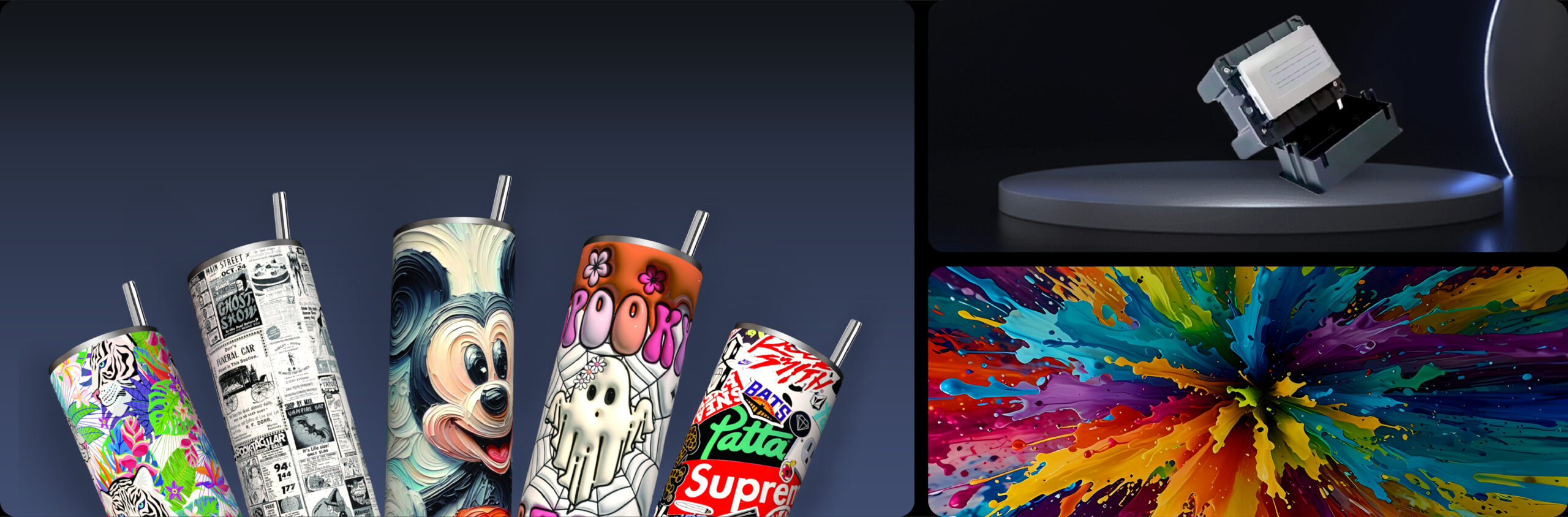
What Counts as Tumbler Printer Startup Cost?
Many beginners only ask, How much is the printer? That is a good starting point, but it is incomplete. A tumbler printer is a production tool. The full startup budget should include every item needed to sell, print, finish, pack, and deliver customer orders.
Main startup cost categories
- Printer or machine package.
- Rotary fixture or cylindrical printing system.
- Ink, white ink, varnish, cleaning solution, and maintenance items.
- Blank tumblers, bottles, mugs, and sample products.
- Design software, RIP software, and color setup.
- Packaging, shipping materials, labels, and inserts.
- Workspace preparation, ventilation, power, and storage.
- Training, test prints, waste allowance, and marketing samples.
A startup that budgets only for the printer may struggle after purchase because cash is still needed for blanks, testing, and sales. A better plan reserves enough working capital for the first 30 to 60 days of production.
Machine Cost: Desktop, Commercial, or Industrial?
The largest cost is the printer. The right machine depends on product size, expected order volume, print quality requirement, and whether the business wants to start small or build a production line from day one.
| Machine direction | Best fit | Startup note |
|---|---|---|
| Desktop cylindrical printer | New businesses, Etsy-style sellers, local gift shops | Lower entry cost and smaller footprint |
| Commercial tumbler printer | Growing shops with daily drinkware orders | Better speed, durability, and workflow control |
| 360 rotary UV printer | Full-wrap production, bottles, tumblers, cosmetic containers | Best for higher output and professional round-object printing |
A desktop cylindrical printer can be a smart entry point when the business is validating demand. A tumbler printer or 360 rotary UV printer becomes more attractive when the shop needs repeatable speed, stronger alignment, and a wider drinkware product range.
Ink and Consumables Cost
UV tumbler printing uses UV-curable inks. Most production workflows include CMYK colors, white ink for opacity, and sometimes varnish for gloss or texture. Ink cost per tumbler depends on artwork coverage, print size, white ink usage, pass count, and whether the design wraps fully around the product.
Do not calculate ink cost from one small logo sample and apply it to all jobs. A full-wrap design on a stainless steel tumbler uses more ink than a small one-side corporate logo. A textured or varnish-heavy print also uses more consumables.
Consumables to include
- CMYK UV ink.
- White UV ink.
- Varnish or clear ink if used.
- Cleaning solution and lint-free wipes.
- Replacement caps, wipers, filters, or maintenance parts as needed.
- Primer or surface treatment when the product material requires it.
For deeper cost control, connect this guide with the UV printer ink cost guide. Ink is only one part of the cost, but it affects pricing and margin on every order.
Blank Tumblers and Product Inventory
Blank drinkware can become a major cash requirement. A startup may want to offer stainless steel tumblers, travel mugs, water bottles, glass cups, kids bottles, and corporate drinkware. Too many options create inventory pressure. Too few options can limit sales.
Start with a controlled product list. Choose a few reliable blank sizes and colors, then build samples around those. This makes quoting easier and reduces fixture changes. It also helps the printer operator learn how each product reacts to ink, curing, and handling.
Practical starter inventory
- One standard stainless steel tumbler size.
- One water bottle size.
- One premium gift option.
- One lower-cost event or promotional option.
- A small test batch for adhesion and durability checks.
For direct UV printing, surface finish matters. Powder-coated, stainless, plastic, glass, and coated products may behave differently. Test before offering a product widely.
Design, RIP, and File Preparation Costs
A tumbler printer startup needs artwork preparation. Customers may send logos, photos, low-resolution screenshots, Canva exports, or rough ideas. Someone must turn those into production-ready files. That time should be included in pricing.
RIP software and approved file presets are also important. The printer needs correct settings for color, white ink, varnish, print area, and rotary alignment. A repeatable file workflow prevents errors and keeps operators from reinventing settings for every job.
Useful supporting guides include the UV printer software guide and the UV printing file preparation guide.
Sample Waste and Testing Budget
Every startup should budget for testing. The first prints are not always sellable. Operators need to test artwork placement, curing, fixture grip, color settings, adhesion, and packaging. This waste is not failure; it is part of building a production process.
What to test before selling
- Small logo placement.
- Full-wrap design alignment.
- White ink opacity on dark tumblers.
- Scratch resistance after curing.
- Handling durability after regular use.
- Packaging protection during shipping.
Keep physical samples. Photograph them. Use them for marketing and customer proofing. A strong sample set often closes more orders than a long explanation.
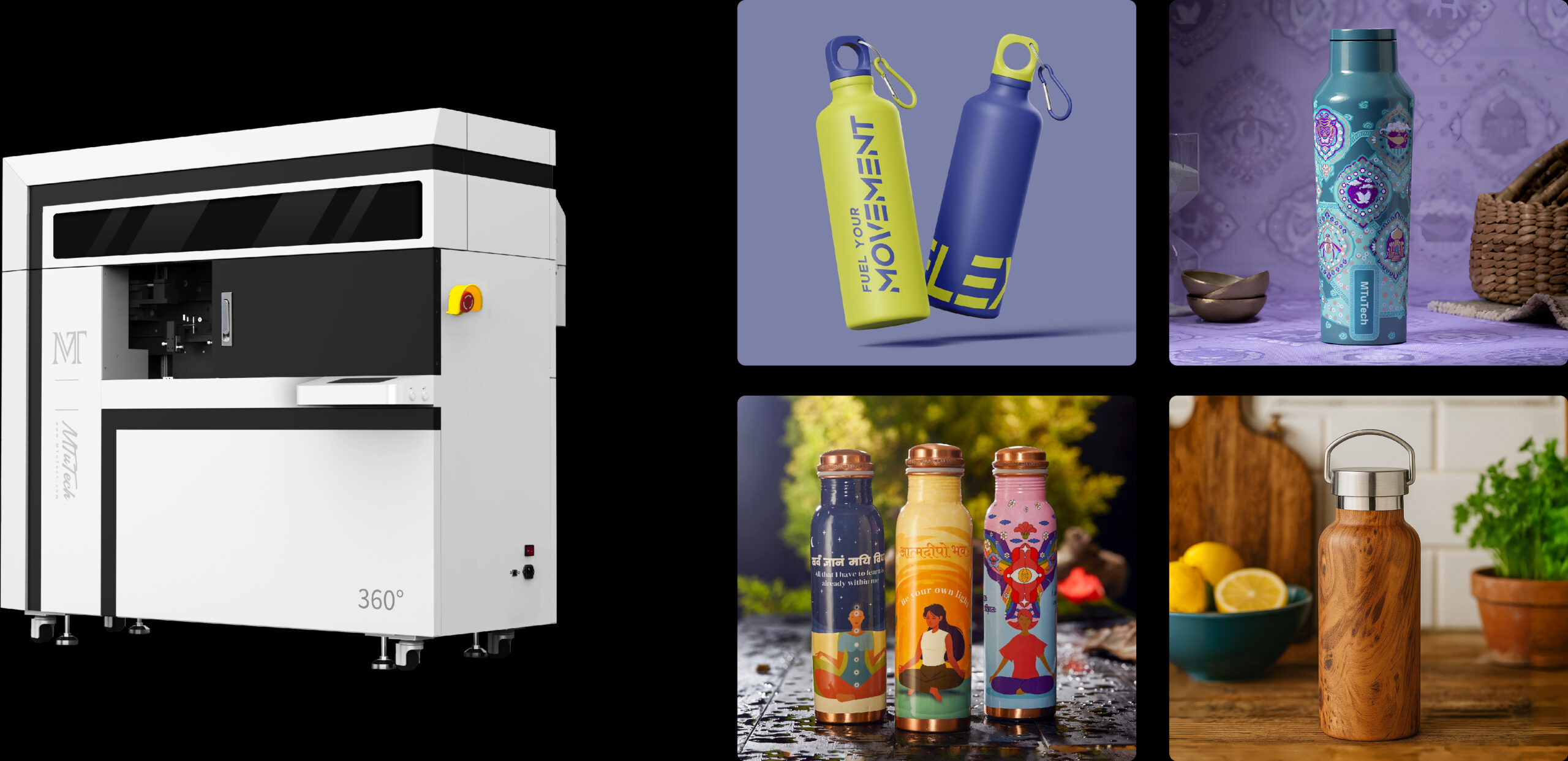
Pricing Formula for Custom Tumblers
A simple pricing formula keeps the business from undercharging:
Retail price = blank cost + ink and consumables + labor + artwork time + packaging + overhead + profit margin.
Labor should include setup, proofing, printing, curing, quality check, packing, and customer communication. If a job requires custom design work, charge for it or include it only above a minimum order value.
| Cost item | Why it matters | Pricing tip |
|---|---|---|
| Blank tumbler | Largest variable product cost | Use fewer SKUs at first |
| Ink and varnish | Changes by artwork coverage | Charge more for full-wrap designs |
| Labor | Often underestimated | Track real minutes per order |
| Artwork | Customer files need cleanup | Set clear design fees |
| Packaging | Protects finished products | Include boxes, wrap, labels, inserts |
Minimum Order Quantity and Profit
Custom tumbler printing can serve both single-piece personalization and bulk orders. The mistake is pricing both the same way. A single tumbler needs setup, artwork review, and handling even if print time is short. Bulk orders spread setup cost across more units.
Set different pricing tiers for one-off, small batch, and bulk orders. For example, a single personalized tumbler should carry a higher unit price than a corporate order of 50 pieces. A rush order should also cost more if it interrupts the normal workflow.
Choosing the Right Tumbler Printer for Startup Volume
The right machine should match the next 12 months of realistic demand, not only the dream volume. A desktop startup machine may be enough if you are testing the market. A higher-output tumbler printer is better if you already have customers, wholesale accounts, or an existing print shop audience.
Ask these questions before buying
- How many tumblers do you expect to sell per week in the first 90 days?
- Will most orders be one-off personalization or bulk corporate work?
- Do you need full-wrap printing or mostly one-side logos?
- Will you print only drinkware or also bottles, jars, and cylindrical packaging?
- Do you have an operator who can manage artwork, machine setup, and quality control?
If the business wants drinkware plus bottles, cups, and packaging containers, a cylinder UV printer may be a better category to compare. If the main target is premium drinkware with full-wrap output, a 360 rotary UV printer may fit better.
Common Startup Mistakes
The most common mistake is buying equipment before defining the product offer. The second is underpricing because the owner only counts blank cost and ignores time. The third is offering too many tumbler types too soon.
- Do not launch with 20 blank styles unless you can afford inventory and testing.
- Do not promise dishwasher durability without testing your exact blanks and workflow.
- Do not accept poor artwork without charging for file cleanup.
- Do not ignore packaging, especially for online orders.
- Do not buy only for today’s orders if you already know volume will grow quickly.
How Long Until a Tumbler Printer Pays Back?
Payback depends on machine cost, selling price, order volume, blank cost, and labor efficiency. Instead of using a generic promise, build three scenarios: conservative, expected, and strong. Estimate weekly orders, average profit per unit, and fixed monthly costs. This gives a realistic view of how long it may take to recover the investment.
A shop that already has customers can recover faster than a startup still building traffic. A shop with strong local corporate relationships may sell bulk orders sooner than a purely online store. The machine matters, but sales channel matters just as much.
Sample Startup Budget Structure
A realistic budget should separate one-time startup expenses from monthly operating costs. One-time expenses include the printer, accessories, initial software setup, workspace preparation, sample blanks, and launch marketing. Monthly costs include blank inventory, ink, maintenance supplies, packaging, advertising, platform fees, and replacement products for damaged shipments.
Do not spend the entire budget on the printer. A startup with no cash left for blanks, samples, photography, ads, and packaging will struggle to create sales momentum. A better plan is to reserve a working-capital buffer so the business can test products and fulfill early orders without stress.
| Budget area | One-time or recurring? | Planning advice |
|---|---|---|
| Printer and rotary system | One-time | Match capacity to expected order volume |
| Initial blank inventory | One-time, then recurring | Start narrow and reorder proven products |
| Ink and maintenance supplies | Recurring | Track cost by design type and coverage |
| Packaging | Recurring | Include box, protection, label, and insert |
| Marketing samples | One-time, then periodic | Use best samples for local sales and online photos |
Workflow Cost: The Hidden Profit Factor
Two businesses can own the same tumbler printer and earn very different margins. The difference is workflow. A shop with clear product options, approved templates, standard blanks, and repeatable packaging can process orders faster. A shop that customizes every detail from scratch spends more time on communication and proofing, which reduces profit unless pricing reflects that work.
New businesses should define a simple order flow: choose blank, choose print area, submit artwork, approve proof, print, cure, inspect, pack, ship. Every extra decision point creates labor. That labor must be built into the price or removed from the offer.
Sales Channels for a Tumbler Printer Startup
The machine does not create sales by itself. Decide where orders will come from before choosing production capacity. Local corporate sales, schools, event planners, sports teams, wedding vendors, Etsy-style personalized gifts, and promotional product resellers all have different order sizes and pricing expectations.
- Local corporate buyers usually want logos, deadlines, and reliable repeat orders.
- Gift customers often want personalization and attractive packaging.
- Schools and teams may buy seasonal batches with names and numbers.
- Online marketplaces can bring volume but require strong photos and fast fulfillment.
- Wholesale partners may order larger quantities but expect lower unit pricing.
A startup should match the machine and workflow to the sales channel. If the plan is one-off personalization, flexible setup matters. If the plan is bulk corporate work, production speed, consistent fixtures, and repeatable quality control matter more.
When to Upgrade From Startup to Production
The upgrade point usually appears when the printer is no longer the only bottleneck. If orders are steady, operators are trained, product options are proven, and customers are reordering, a higher-output machine can make sense. If sales are inconsistent, buying a larger printer may simply increase fixed cost.
Upgrade when demand is proven, not when the first busy week arrives. Look for repeated signs: lead times are growing, bulk orders are being refused, operators are running the machine near capacity, and the business has enough order flow to keep a larger system productive.
How to Build a Profitable Starter Offer
A profitable tumbler startup usually begins with a simple offer, not a huge catalog. Choose one or two blank styles, create strong sample photos, and build pricing around clear design options. For example, offer one-side logo printing, full-wrap design, name personalization, and bulk corporate branding as separate price tiers. This makes quoting easier and helps customers understand why some jobs cost more.
The offer should also include rules for artwork. Decide what file types you accept, how many revisions are included, what counts as design work, and how long proof approval takes. Clear rules protect margin. Without them, the owner may spend more time fixing customer files than printing.
Starter offer example
- Standard logo tumbler for businesses and events.
- Personalized name tumbler for gifts.
- Premium full-wrap tumbler for higher-margin custom orders.
- Bulk corporate tumbler package with proofing and packaging.
Once those offers are selling consistently, add more blanks or finishes. Expansion should follow demand, not guesswork. This keeps inventory lean and helps the printer pay for itself faster.
Final Planning Rule
Plan the startup around the first 100 sellable tumblers, not only the first print test. That means the machine must be supported by blanks, artwork rules, pricing tiers, packaging, sample photos, and a realistic sales channel. When those pieces are ready together, a tumbler printer becomes a business system instead of a standalone purchase.
Startup Offer Planning for Tumbler Printer Buyers
A tumbler printer startup should begin with a narrow offer instead of a huge product catalog. One stainless steel tumbler, one bottle, one premium gift option, and one promotional bundle are enough to test pricing, durability, production time, and customer demand. Once the workflow is stable, the business can expand into more blanks and seasonal offers.
The machine path should follow volume. A beginner may compare tumbler printer, cylindrical printer, and 360 rotary UV printer options. A startup with broader flat goods should also compare UV printer and machine comparison pages before buying.
FAQ
Is a tumbler printer business profitable?
It can be profitable when pricing includes blank cost, ink, labor, artwork time, packaging, waste, and profit margin. Profit depends on order volume, product choice, and how efficiently the shop handles setup and fulfillment.
Should a beginner buy a desktop cylindrical printer or a commercial tumbler printer?
A desktop cylindrical printer is often better for testing demand and starting with lower overhead. A commercial tumbler printer or 360 rotary UV printer is better when the business already has steady orders or needs higher production speed.
What products should a tumbler startup sell first?
Start with a small group of reliable blanks: one stainless steel tumbler, one water bottle, one premium gift option, and one promotional option. Build samples, test durability, and expand only after the workflow is stable.
To match machine choice with your startup budget and expected order volume, compare the MTuTech tumbler printer, cylindrical printer, and 360 rotary UV printer, or request help through Get Instant Quote.