
UV printer white ink maintenance is one of the most important habits in a shop that prints on dark, transparent, metallic, colored, or premium materials. White ink creates the base that makes color look bright. It also creates some of the most common maintenance problems when it is ignored. If white ink settles, circulates poorly, clogs nozzles, or is cleaned inconsistently, print quality drops fast.
This guide covers the practical maintenance routine for white ink in UV printers: circulation, shaking, nozzle checks, cleaning, capping, storage, RIP setup, operator notes, warning signs, and downtime prevention. It supports MTuTech’s UV printer, UV Printer 9060, RIP software, and UV printer troubleshooting pages because buyers need to understand that white ink quality is a production workflow, not only a machine feature.
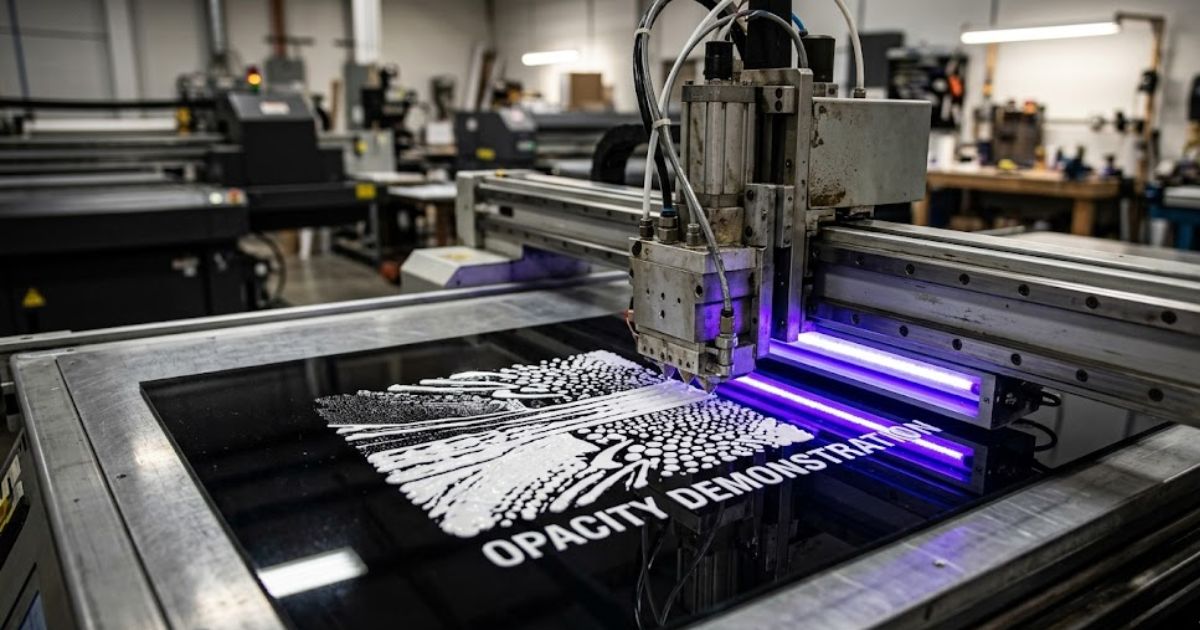
Why White Ink Needs More Attention Than CMYK
White UV ink contains heavier pigment than standard CMYK inks. That pigment gives white ink its opacity, but it also means the ink can settle when it is not moving. If the ink system does not circulate properly or the operator leaves the machine idle without routine care, the shop may see weak white density, missing nozzles, grainy output, banding, or blocked channels.
This is why white ink should be treated as a daily production item. A shop that prints white ink only occasionally still has to maintain the channel. Waiting until a customer orders clear acrylic or black phone cases is too late. White ink must be kept ready before the paid job arrives.
What White Ink Does in UV Printing
White ink is used as an underbase, a spot color, a highlight, a backing layer, or part of a multilayer effect. On clear acrylic, it can sit behind color so the image remains visible. On black plastic, it prevents color from disappearing. On metallic surfaces, it can control where metal shows through. On packaging samples, it helps brand colors look close to the approved design.
The existing article on white ink in UV printers explains when white ink is needed. This article goes deeper into maintenance because the best white ink plan will fail if the system is not kept stable.
Daily White Ink Maintenance Routine
A daily routine should be short enough that operators actually follow it. The goal is to keep white ink moving, confirm nozzle condition, and catch problems before a customer job starts. The exact routine depends on the printer model, but the logic is consistent across UV production.
- Confirm the white ink circulation system is active before production.
- Gently agitate or follow the approved mixing process for the white ink supply.
- Run a nozzle check before printing customer work.
- Clean only when needed and follow the manufacturer’s cleaning method.
- Check white ink opacity on a known test material if the machine was idle.
- Inspect the capping station, wiper, and waste area for dried ink buildup.
- Record recurring nozzle issues instead of treating them as random events.
The routine should happen before the first paid job, not after a bad print. A one-minute nozzle check can save a full bed of acrylic blanks, phone cases, packaging samples, or metal tags.
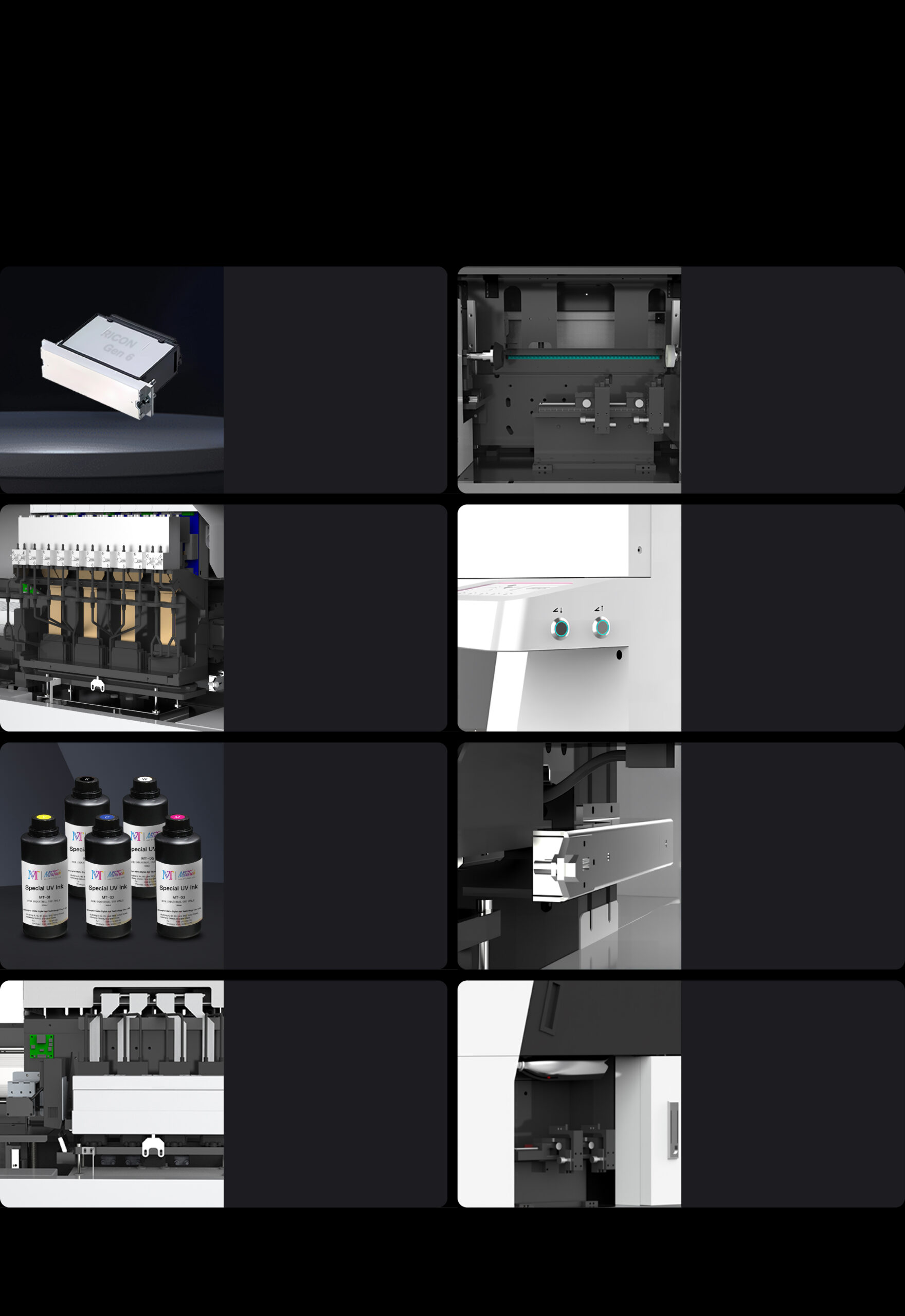
Circulation: The Core White Ink Habit
White ink circulation keeps pigment from settling inside the line or reservoir. If the printer has an automatic circulation system, the operator should still verify that it is functioning. If the workflow requires manual preparation, that step must be included in the startup checklist. Do not rely on memory during busy production days.
Circulation problems often show up as uneven white density. One side of the print may look weaker. Fine white details may break. The underbase may look patchy, which then makes CMYK color look inconsistent. Operators sometimes blame the artwork, but the root cause can be ink movement.
Nozzle Checks and What They Tell You
A nozzle check is not just a maintenance ritual. It is a quick health report. Missing white nozzles, deflected lines, or repeated gaps should be documented. If the same area fails repeatedly, the issue may involve capping, air, sediment, wiping, head condition, or cleaning routine.
MTuTech’s UV printer troubleshooting guide is useful when nozzle patterns connect to larger problems such as banding, ink flow issues, curing problems, or operator setup mistakes. White ink should be diagnosed with evidence, not panic cleaning.
Cleaning Without Overcleaning
Cleaning is necessary, but overcleaning can waste ink and stress components. The operator should follow the printer’s recommended cleaning levels. A light cleaning may solve a small nozzle issue. A stronger cleaning should be used only when needed. Repeated aggressive cleaning without diagnosis can hide the real problem and increase ink cost.
Good shops log cleaning events. If white ink requires heavy cleaning every morning, something is wrong. The issue may be environment, idle time, capping, circulation, ink age, operator shutdown, or a maintenance part that needs attention.
Capping, Wiping, and Shutdown
White ink problems often begin when the printer is shut down poorly. The printhead must be capped correctly, and the capping station must be clean enough to seal. Dried ink around the cap, wiper, or head area can create air leaks or contamination. A weak seal allows drying, and drying leads to nozzle loss.
The shutdown checklist should be printed and placed near the machine. It should include capping confirmation, visible residue checks, waste ink review, and any model-specific steps. When multiple operators use the same printer, a written routine prevents the last person on shift from becoming the weakest link.
RIP Setup for White Ink Layers
White ink maintenance is not only mechanical. Poor file setup can create unnecessary white ink use, slow production, and confusing output. The RIP software workflow should define when white is printed as an underbase, when it is printed as a spot layer, and when it is not needed.
A common mistake is printing white under everything. That may be necessary on some dark or clear materials, but it can waste ink on other jobs. Another mistake is leaving white layers unnamed or mixed into customer artwork. Operators should not have to guess whether a shape is design content or a white ink instruction.
| Material | White ink role | Maintenance note |
|---|---|---|
| Clear acrylic | Backing layer or underbase | Check opacity and edge cleanliness |
| Black phone cases | Full or selective underbase | Watch for weak density and missing nozzles |
| Metal tags | Spot layer or contrast control | Test adhesion and curing after white layer |
| Glass packaging | Backing layer for readable color | Confirm cleaning and primer if required |
| Wood and textured items | Selective highlight or base | Test ink laydown on uneven surfaces |
White Ink and Production Cost
White ink costs more than many operators expect because it affects ink usage, cleaning, waste, time, and reject rates. The UV printer ink cost page supports this topic because maintenance behavior changes the real cost per print. A shop that keeps white ink stable wastes less material and spends less time recovering from clogs.
Track white ink separately where possible. Monitor how often jobs use white ink, how much cleaning is required, how many rejects are caused by white opacity, and which materials create the most trouble. These numbers help the shop price premium jobs more accurately.

Storage and Idle Time
Idle time is hard on white ink. If the printer will sit unused, follow the manufacturer’s storage guidance. Do not invent a storage routine from general inkjet habits. UV ink systems, caps, lines, and heads need model-specific handling. The wrong storage process can create more damage than normal use.
For short idle periods, the routine may focus on circulation, capping, and periodic checks. For longer downtime, the printer may need a deeper preparation process. The key is to decide before the machine sits idle, not after the ink has settled and nozzles are missing.
Environmental Factors
Temperature, dust, humidity, and airflow affect UV printer reliability. A dusty room can contaminate caps and printed surfaces. High heat can change ink behavior. Strong airflow near the printhead area can increase drying risk. White ink maintenance improves when the room is treated like a production space rather than a storage corner.
Keep the area around the printer clean. Store blanks away from dust. Keep cleaning supplies organized. Do not let operators use random cloths or unapproved liquids around the printhead area. Small discipline prevents expensive downtime.
Warning Signs That Need Attention
- White ink looks gray, thin, or uneven compared with earlier samples.
- Nozzle checks show repeated missing lines in the same white channel.
- White underbase causes color to look patchy on dark or clear products.
- The printer needs heavy cleaning more often than usual.
- Dried ink appears around the cap, wiper, or head area.
- Prints pass visually but fail adhesion or scratch checks after curing.
Do not treat these signs as normal. They may be early warnings. A quick maintenance review can prevent a full production stoppage.
How White Ink Affects Product Categories
White ink is especially important for promotional products, packaging prototypes, acrylic signs, dark phone cases, metal labels, glass samples, and clear display pieces. That makes it relevant to the main applications page and product pages such as UV Printer 9060 and visual positioning UV printer. It also supports the buying decision for shops comparing machines because white ink reliability affects everyday output.
Operator Training Checklist
Training should be specific. A new operator should not only learn which button starts a cleaning cycle. They should understand why white ink settles, how to read a nozzle check, when to stop a job, how to inspect opacity, and how to document recurring problems. This protects the business when the main operator is away.
- Show examples of good and bad white ink nozzle checks.
- Teach the correct startup and shutdown sequence.
- Explain when white ink should be used in artwork.
- Review the difference between light cleaning and stronger cleaning.
- Keep approved test files for white opacity checks.
- Document who performed maintenance and what changed.
A Simple Weekly Review
Once a week, review the white ink system more deliberately. Check whether nozzle issues are increasing. Inspect caps, wipers, waste ink, filters if applicable, and the cleanliness of the machine area. Review which jobs used white ink and whether any reprints were caused by opacity or banding.
This review does not need to be complicated. The point is to catch patterns. If every Friday looks worse than Monday, the printer may be suffering from production buildup. If every Monday starts badly, the weekend shutdown routine may be weak. Patterns are easier to fix than surprises.
Daily, Weekly, and Monthly Maintenance Schedule
| Frequency | White ink task | Why it matters |
|---|---|---|
| Daily startup | Check circulation, run nozzle check, inspect white density | Prevents weak underbase and catches nozzle loss before paid work |
| Daily shutdown | Confirm cap seal, clean visible residue, record issues | Reduces drying risk during idle hours |
| Weekly | Inspect capping station, wiper, waste area, room cleanliness | Finds buildup before it becomes a recurring print defect |
| Monthly | Review logs, repeated cleaning events, ink age, and operator habits | Shows whether the process is stable or quietly getting worse |
| After long idle time | Follow the approved restart process and test opacity before production | Protects customer jobs after downtime |
This schedule should be adapted to the exact printer model, but the structure is useful for most production teams. A visible checklist near the printer makes the routine easier to follow. A shared log makes it possible to see whether problems come from the machine, the material, or the way different operators handle the same process.
How to Recover From Weak White Ink Output
When white ink looks weak, do not immediately run the strongest cleaning cycle. Start with observation. Compare the output to a known-good sample. Run a nozzle check. Confirm that the white layer exists in the file. Check whether the job is using the right print mode. Inspect whether the material is clean and whether the white ink is intended as a full underbase or a spot layer.
If the nozzle check shows missing or deflected lines, follow the recommended cleaning sequence gradually. If the nozzle check is good but the print is weak, the issue may be file setup, ink density, material absorption, curing, or wrong layer order. This distinction matters because mechanical cleaning will not fix a file problem. A calm diagnostic sequence saves ink and protects the printhead.
How White Ink Maintenance Helps Rankings Indirectly
This may sound like a production topic, but it also supports SEO quality. A site that explains maintenance clearly can rank for technical and commercial-intent searches because buyers want to know what ownership really involves. White ink is a common buyer concern. A strong article answers that concern and links readers toward the machine pages that solve it.
For MTuTech, this post should strengthen topical authority around UV printer ownership, not just keywords. It connects the UV printer page, UV Printer 9060, RIP software, UV printer ink cost, and UV printer troubleshooting into one practical maintenance cluster. That is the kind of internal linking that helps both users and search engines.
It also gives sales teams a useful answer when buyers ask what daily ownership really looks like.
Common Mistakes to Avoid
Waiting Until White Ink Is Needed
White ink must be maintained even when the shop is not printing white-heavy jobs. Occasional use does not remove the need for routine care.
Cleaning Without Diagnosis
Cleaning can help, but repeated cleaning without checking capping, circulation, environment, and ink age can waste time and money.
Letting Operators Guess White Layers
Files should clearly identify white ink layers. Guessing leads to wasted ink, wrong opacity, and reprints.
Ignoring Test Samples
Keep known-good samples for white opacity comparison. They help operators notice quality changes before customers do.
FAQ
How often should white ink be maintained in a UV printer?
White ink should be checked daily in active production. Circulation, nozzle checks, and proper shutdown routines are the core habits.
Why does white ink clog more easily?
White ink uses heavier pigment for opacity. If it settles or dries around the nozzle area, print quality can drop faster than with standard CMYK channels.
Can I leave white ink unused for weeks?
Only if the printer’s approved idle or storage routine is followed. Long idle periods without preparation can cause nozzle and ink-flow problems.
Does RIP software affect white ink maintenance?
Yes. Poor white layer setup can waste ink and create unnecessary printing. Good RIP templates make white ink use more controlled and repeatable.
Bottom line: UV printer white ink maintenance protects print quality, ink cost, uptime, and customer confidence. For MTuTech, this article should support the UV printer category, the UV Printer 9060, the RIP software page, and technical support content around UV printer troubleshooting. A printer that handles white ink well gives the business more profitable products to sell.