
A UV inkjet printer manufacturer should be judged by more than the machine photo and quoted price. The real buying decision is about print quality, fixture design, ink compatibility, service response, sample testing, training, spare parts, and whether the supplier understands your production model. A low initial price can become expensive if the printer cannot handle your materials, if color output is unstable, or if support disappears after installation.
This checklist is written for buyers comparing UV inkjet printer manufacturers for small business, industrial production, promotional products, packaging samples, drinkware, signage, and custom merchandise. It will help you ask better questions, compare quotations more fairly, and avoid choosing a machine that looks similar online but behaves very differently on the production floor.
Start With the Product, Not the Printer
Many buyers start by asking for a price list. That is understandable, but it is not the best first step. A UV printer is a production tool, and the correct machine depends on what you need to print. The same buyer might be considering phone cases, acrylic signs, glass panels, metal tags, wood gifts, tumblers, cosmetic bottles, or packaging prototypes. Each product group has different requirements for bed size, print height, fixture design, ink adhesion, white ink, varnish, curing, and speed.
Before comparing manufacturers, write down your product list in practical terms:
- Material: acrylic, glass, metal, wood, plastic, leather, ceramic, paperboard, coated bottle, or stainless steel.
- Product size: length, width, height, diameter, and maximum printable area.
- Order style: one-off personalization, small batches, repeated SKUs, or industrial runs.
- Image type: logos, fine text, photos, barcodes, QR codes, gradients, white ink, varnish, or raised texture.
- Workflow need: flatbed printing, rotary printing, roll-to-roll, visual positioning, or hybrid production.
Once you know the product mix, it becomes much easier to choose between a compact flatbed UV printer, a UV Printer 9060, a 360 rotary UV printer, a visual positioning UV printer, or a larger industrial model.
Manufacturer Checklist: What to Compare Before You Buy
1. Machine Fit for Your Actual Products
Ask every supplier to map your product list to specific machine models. A serious manufacturer should not recommend the same printer for every buyer. If you print flat gift items, a flatbed UV printer may be the best starting point. If you print bottles and tumblers, a cylindrical or rotary workflow matters more. If you print mixed batches with irregular placement, camera alignment can save setup time. If you print both rigid sheets and flexible roll media, a hybrid UV printer may deserve attention.
Good manufacturers ask questions before quoting. Weak suppliers push whatever model is easiest to sell.
2. Printhead, Ink, and Curing System
The printhead affects speed, droplet control, maintenance, and long-term replacement cost. Ink affects adhesion, flexibility, odor, color strength, and outdoor durability. UV curing affects scratch resistance and production handling. Do not compare only DPI. Ask how the machine performs on your materials and how often the shop needs cleaning, nozzle checks, and ink circulation.
If your work requires dark products, transparent substrates, or premium effects, confirm white ink and varnish behavior. White ink circulation is especially important because poor circulation can lead to settling and nozzle issues. For more ink planning, connect this checklist with the site guide on UV printer workflows and the maintenance practices already used across MTuTech UV systems.
3. Real Sample Testing
Sample printing is the most important step in manufacturer comparison. Send your real product or a close substitute. Do not rely only on beautiful showroom photos. Ask for a sample that uses your artwork, your product material, and your expected print area. If your design includes small text or QR codes, include them. If you need white ink under color, include that. If you need varnish, texture, or multilayer effects, ask for those samples too.
A useful sample should answer four questions: Does the ink adhere? Is the image sharp? Is the color acceptable? Can the process be repeated at the expected speed?
4. Fixture and Workflow Support
Fixtures often decide whether a UV printer is profitable. A flat item needs secure placement. A phone case may need a jig. A bottle needs rotary control. A tapered cup may need an adjustable setup. A small packaging factory may need repeatable positioning for the same SKU. Ask the manufacturer whether fixtures are included, optional, customized, or expected to be made by the buyer.
This is especially important for cylindrical and drinkware work. If those products matter to you, review the cylindrical printer, cylinder UV printer, and tumbler printer pages while comparing quotes.
5. RIP Software and Color Control
RIP software controls print modes, color management, white ink, varnish layers, and production settings. It can also affect operator training and daily consistency. Buyers often underestimate software until the first week of production, when every job requires a repeatable setup.
Ask which RIP is supplied, whether it supports your file types, how white ink layers are built, whether ICC profiles are available, and how training is handled. The RIP software page is worth reviewing if software is new to your team.
6. Training and After-Sales Service
A UV printer is not a plug-in office printer. Operators need to understand nozzle checks, media setup, height adjustment, UV curing, ink handling, cleaning routines, and file preparation. A good manufacturer provides installation support, training material, video guidance, remote troubleshooting, and clear maintenance routines.
Ask how support is delivered across time zones, what response time is realistic, which language the support team uses, and whether spare parts are stocked. For a production buyer, reliable support is not a bonus. It is part of machine uptime.
How to Compare UV Printer Quotes Fairly
Two quotes can look similar while including very different things. One supplier may include fixtures, RIP software, white ink circulation, starter ink, training, and shipping support. Another may quote a lower base machine price and leave important items as extras. Always compare the full production package.
| Quote Item | Why It Matters | Question to Ask |
|---|---|---|
| Machine model | Defines bed size, height, speed, and application fit | Why is this model right for my products? |
| Printhead | Affects output, maintenance, and replacement cost | What printhead is included and what is the replacement cost? |
| Ink system | Controls adhesion, white ink, and color strength | Is white ink circulation included? |
| Fixture package | Controls repeatability and setup time | Which jigs or rotary fixtures are included? |
| RIP software | Controls color, layers, and workflow | Is licensed software included? |
| Training | Reduces startup mistakes | How is operator training delivered? |
| Warranty and parts | Protects uptime | What parts are covered and how quickly can they ship? |
When a supplier gives a price, ask for the total landed startup cost. That should include the printer, ink, fixture, software, consumables, shipping, installation support, and the first set of spare parts. A quote that hides these details is not easier to buy; it is harder to plan.
Red Flags When Comparing UV Inkjet Printer Manufacturers
Not every warning sign means a supplier is bad, but several together should slow the purchase down.
- The manufacturer quotes before asking what you print.
- They cannot explain the difference between flatbed, rotary, visual positioning, and hybrid workflows.
- They avoid sample testing on your product material.
- The quote does not list printhead, ink, software, fixtures, training, and warranty clearly.
- They only send generic showroom videos.
- They cannot explain cleaning, white ink circulation, or daily maintenance.
- They promise every material will work without discussing coating or adhesion.
- They cannot provide realistic production speed for your application.
A serious UV inkjet printer manufacturer will help you narrow the decision. They should be comfortable discussing limitations, because limitations are what keep buyers from making expensive mistakes.
Which UV Printer Type Should You Ask About?
Flatbed UV Printer
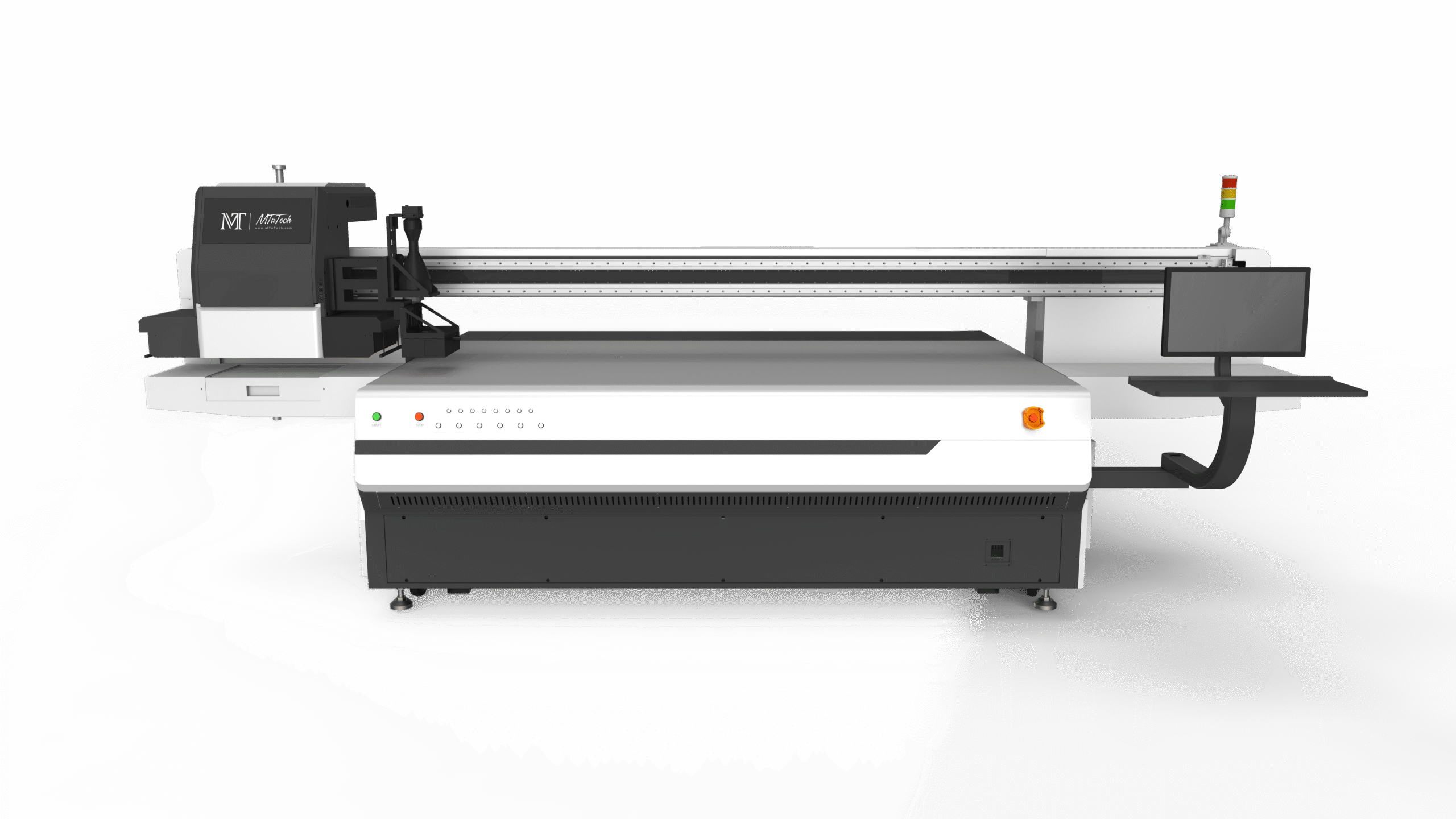
Choose a flatbed UV printer when your main work is rigid flat or slightly raised products: acrylic, signage, wood, glass, metal plates, phone cases, promotional gifts, packaging boards, and industrial panels. The main UV printer page is the best starting point for this broad category.
UV Printer 9060
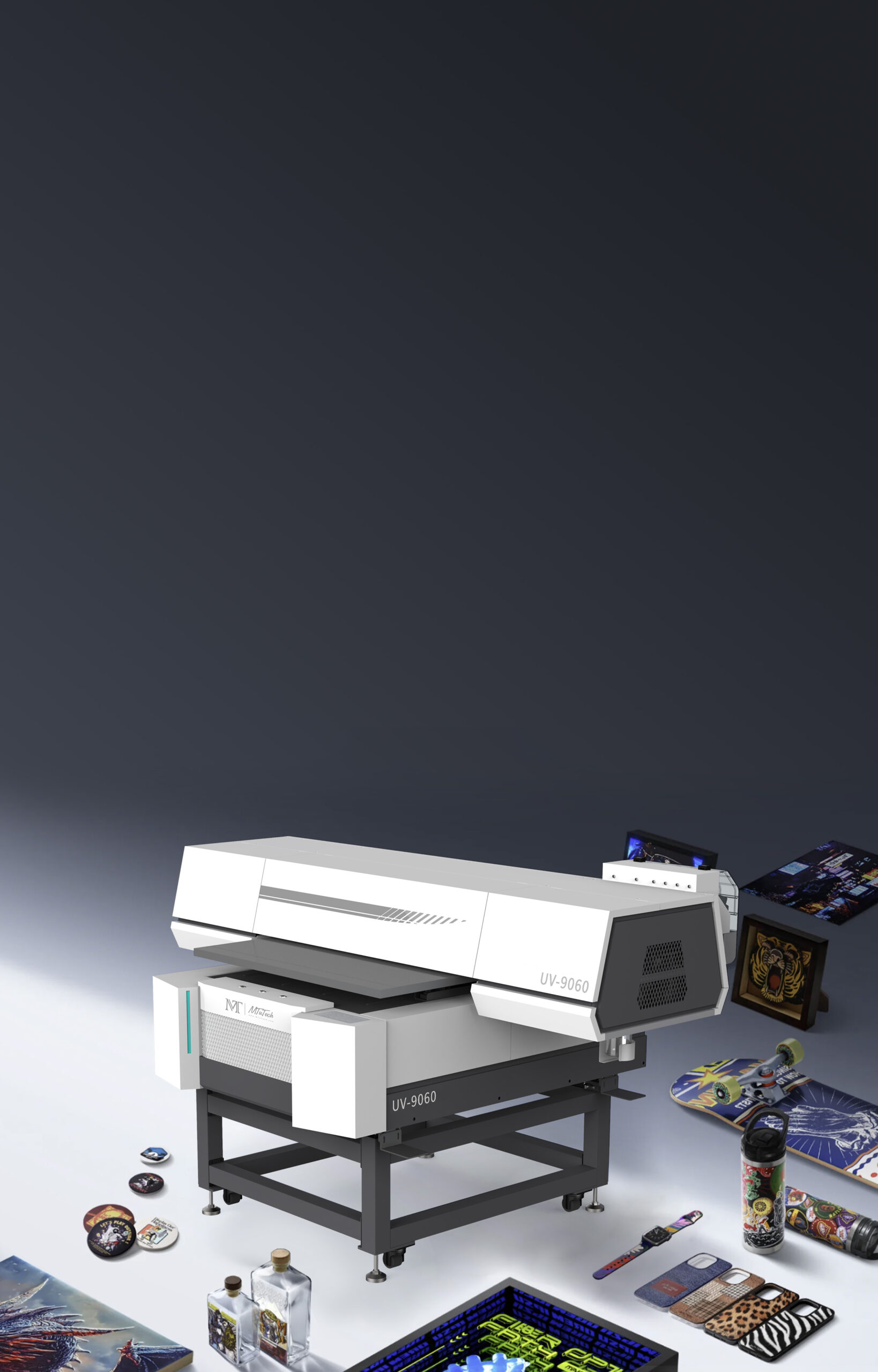
The UV Printer 9060 is useful for buyers who need more bed area than a desktop machine but do not need a very large industrial flatbed. It supports many small business and production applications, especially when the buyer needs a balanced footprint and versatile material handling.
Visual Positioning UV Printer
A visual positioning UV printer is useful when products are placed irregularly or when short-run jobs change frequently. Camera alignment can reduce jig setup and make small-batch production easier. The related visual positioning UV printer ROI guide explains when that extra capability pays off.
360 Rotary and Cylindrical Printers
For bottles, tumblers, cups, tubes, and cylindrical packaging, compare rotary and cylindrical systems carefully. A standard flatbed may not be enough if full-wrap print quality is important. Start with the 360 rotary UV printer and cylindrical printer pages.
UV DTF Printer
A UV DTF printer is a different workflow. It can be useful for transfer-style decoration on hard surfaces, especially where direct-to-object printing is not ideal. It should be compared based on application fit, not only price.
Questions to Send Before Requesting a Quote
Copy these questions into your supplier message before requesting pricing. The answers will make quote comparison much easier.
- Which model do you recommend for my product list, and why?
- Can you print samples on my actual material?
- What printhead, ink system, and UV curing setup are included?
- Does the machine include white ink circulation?
- What fixtures or rotary attachments are included in the quote?
- Which RIP software is included, and is it licensed?
- What daily maintenance does the operator need to follow?
- What training is included after delivery?
- Which spare parts should I keep in stock?
- What is the warranty and average support response time?
- What is the total landed cost, including shipping and startup consumables?
These questions protect both sides. The buyer gets a clearer quote, and the manufacturer can recommend a machine that actually fits the application.
How MTuTech Helps Buyers Compare Options
MTuTech’s product structure is useful because buyers can compare application paths instead of looking at one machine in isolation. A buyer focused on broad rigid products can start with the UV printer category. A buyer who wants a mid-size flatbed can review the UV Printer 9060. A shop printing drinkware can compare the tumbler printer, cylinder UV printer, and 360 rotary UV printer. A factory with mixed flat and roll work can review the hybrid UV printer.
This matters because the best manufacturer is not the one that says every machine can do everything. The best manufacturer helps you choose the production path that fits your current jobs and still leaves room to grow.
Final Buying Advice
When comparing UV inkjet printer manufacturers, do not rush toward the cheapest quote or the highest advertised DPI. Ask for real samples, clear configuration details, training support, fixture information, and a total startup cost. A machine that saves ten minutes per order can be more profitable than a cheaper machine that needs constant adjustment. A supplier that answers maintenance questions honestly can be more valuable than a supplier with prettier marketing material.
The right UV inkjet printer manufacturer should help you make a confident production decision. If the quote, sample, support plan, and workflow all match your product list, you are much closer to a machine that can generate revenue instead of becoming another underused asset in the shop.
Sample Evaluation Scorecard
Once you receive a sample, do not judge it only by whether the image looks bright in a photo. Put the sample through the same handling your customers will use. For a phone case, check edge coverage, scratch resistance, and whether fine details stay sharp. For acrylic, check white ink density and whether color changes when the panel is placed on a dark background. For metal tags, check adhesion after rubbing. For drinkware, check the print after handling, packing, and light washing if the product is sold for daily use.
A practical sample scorecard should include image sharpness, color accuracy, white ink opacity, alignment, curing, adhesion, texture quality, and whether the result can be repeated in a batch. If the sample is good but takes an unrealistic amount of manual adjustment, ask how that setup would work for twenty, fifty, or two hundred pieces. Production repeatability matters more than one perfect sample.
Support Questions for International Buyers
Many UV printer buyers purchase across borders, so service planning must be discussed before payment. Ask how installation is handled, whether remote setup is available, what videos or manuals are supplied, and how the support team handles urgent production stops. Time zone differences are manageable when the manufacturer has a clear process; they become painful when the buyer has no named contact or no spare-parts plan.
Also ask about packaging, shipping insurance, import documentation, and replacement part logistics. A printer that arrives safely, with a clear checklist and startup guidance, gives your team a better first week. A machine that arrives with missing accessories or unclear setup instructions can lose days before the first saleable print is made.
After-Purchase Setup Plan
The purchase is only the beginning of the workflow. Before the printer arrives, prepare the room, ventilation, power supply, stable table or floor area, storage for ink, cleaning supplies, and a computer for RIP software. Prepare a set of test products and artwork files. Decide who will be the primary operator and who will be trained as backup. Small steps like these reduce launch stress and help your team move from installation to paid work faster.
During the first two weeks, do not overload the machine with every possible product. Start with three to five profitable applications and build repeatable settings for each one. Save print modes, product templates, curing notes, and cleaning routines. Once the core workflow is stable, expand into new materials and higher-volume jobs.
FAQ
What should I ask a UV inkjet printer manufacturer first?
Start with your product list, materials, sizes, and expected volume. Ask which machine fits those products and request samples before finalizing a quote.
Is a higher DPI always better?
No. DPI matters, but fixture stability, ink adhesion, curing, RIP software, and operator workflow often matter more in real production.
Should I choose flatbed, rotary, or hybrid UV printing?
Choose flatbed for rigid flat products, rotary or cylindrical systems for bottles and tumblers, and hybrid UV when your workflow includes both flat materials and roll media.
How do I know if the quote is complete?
A complete quote should include machine model, printhead, ink system, software, fixtures, training, warranty, shipping details, consumables, and recommended spare parts.
For best results, keep every supplier answer in one comparison sheet so pricing, included accessories, training, and sample quality can be reviewed side by side before deposit payment.
Bottom line: compare UV inkjet printer manufacturers by workflow fit, proof samples, support quality, and total production cost. That approach gives you a much better chance of buying a printer that performs well after the invoice is paid.