
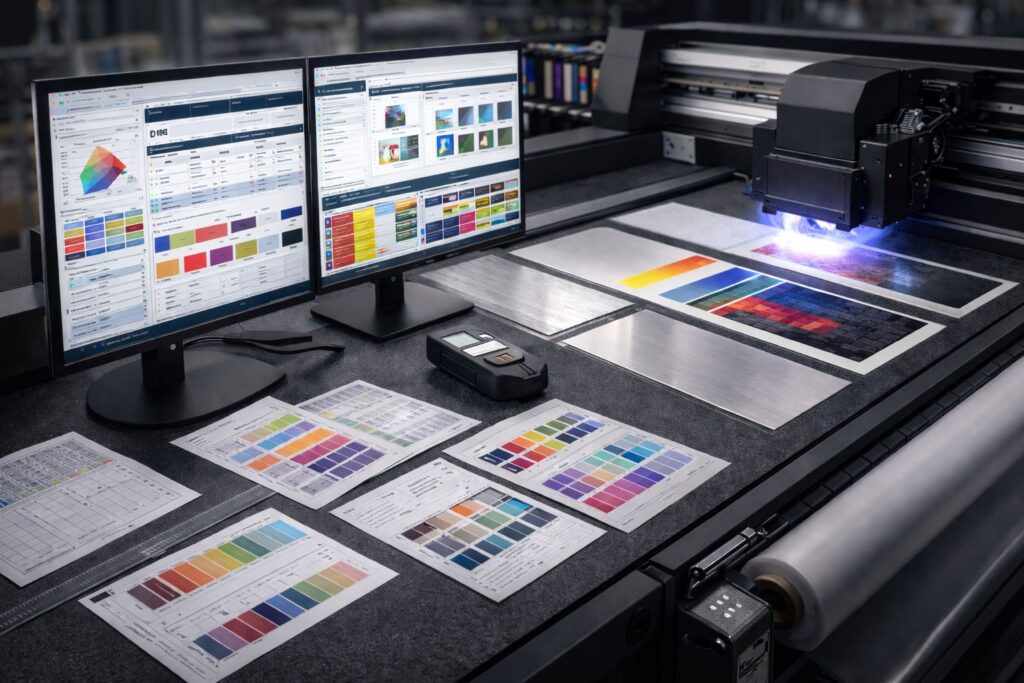
Most UV printing shops leak profit without knowing why. RIP software controls how ink hits the substrate. Poor setup wastes white ink by 30% or more in our tests. We’ve watched shops reprint jobs three times because ink laydown precision failed. That burns substrate and time. Error reduction starts with correct color profiles loaded into your RIP. Wrong profiles mean your printer guesses how much cyan to drop. Guess wrong and you throw away $50 sheets.
Production profitability connects directly to waste minimization. We tested two identical UV jobs last month. One shop configured their RIP software properly. The other used factory defaults. The second shop used 40% more ink and scrapped two full boards. Print accuracy depends on how your RIP translates file data into droplet commands. Small mistakes multiply fast across hundreds of prints. Fix your RIP settings once and stop bleeding money on reprints and excess ink usage.
What Is RIP Software in UV Printing Workflows?
Think of a Raster Image Processor as your UV workflow translator. Your design file speaks one language. Your printer speaks another. RIP software sits between them and makes the conversation happen. We’ve seen shops send files straight to printers without proper data interpretation. The printer just blinks and stops. Layer separation breaks your artwork into color channels the machine understands. Ink channel mapping tells each printhead exactly where to fire drops. Without this UV translation layer, your beautiful design becomes a blurry mess on acrylic.
The print data pipeline moves fast but needs perfect instructions. We tested a job last week with five spot colors. The RIP separated each color into its own channel in seconds. Data interpretation happens before the first drop lands on material. Your file contains vectors and rasters mixed together. The Raster Image Processor converts everything into a grid of dots. Each dot gets assigned to a specific ink channel mapping position. This system controls how UV curable ink lands and cures under the lamps.
How Is RIP Software for UV Printing Different from Standard RIP Software?
Standard RIP software crashes hard when you connect it to UV machines. We watched a shop try this last month with disastrous results. White ink needs to be printed first as an undercoat on clear materials. Their regular processor had no idea how to handle that layer sequencing. Varnish layers came out mixed with cyan and magenta. The whole job looked like a kindergarten finger painting. UV RIP software knows exactly when to fire white ink before color hits. Spot color handling gets tricky when you add gloss or texture passes. Regular systems treat varnish like another CMYK channel and ruin everything.
UV curing logic separates the pros from the disasters. UV RIP software calculates lamp intensity for each pass. We’ve seen haloing around edges when standard RIP software ignores cure timing. White ink bleeds into transparent areas without proper sequencing controls. Curing defects show up as tacky spots or cracked finishes. UV RIP software sends power commands to lamps between passes. Your varnish layers need different cure strength than base colors. Skip this step and print peel off within days.
Which RIP Software Features Matter Most for UV Printing?
RIP software features rank by what breaks your shop when missing. UV print control fails without proper accuracy in color mapping first. Automation saves hours but means nothing if colors print wrong. We’ve tested dozens of systems and scalability matters least when you can’t match Pantone 185. Missing white ink detection ruins jobs before they even start printing. Spot color problems cost you clients fast. Automation features look shiny in demos but won’t fix bad profiles.
Color Management and ICC Profile Control
ICC profiles behave differently on aluminum versus acrylic when UV inks cure. We ran tests on brushed metal last week. The same color management engine produced three different blues across substrates. UV inks react to surface texture during the curing flash. Your ICC profiles must account for how heat changes color on rigid boards. Clear acrylic needs different curve adjustments than frosted plastic. Color management engine software calculates these differences before printing starts.
Workflow Automation and Job Queue Management
Batch processing removes human error from repeat orders completely. We’ve watched new operators handle production workflow tasks within their first week. Job queues let you load twenty files and walk away. Workflow automation cuts training time from months down to days. Production workflow speeds up when operators stop manually adjusting every single file. Batch processing applies the same settings across similar jobs automatically. Job queues organize work by deadline instead of arrival order.
Nesting Tools and Media Utilization
Rigid substrates need smarter nesting algorithms than vinyl ever did. We fit eight phone cases on a 12×24 board using proper nesting last month. Media efficiency jumps 40% when software arranges parts like puzzle pieces. Rigid substrates cost way more per sheet than roll goods. Nesting algorithms calculate rotation and spacing to pack boards tight. Roll media bends and forgives small gaps. Rigid boards waste every empty inch you leave.
White Ink and Spot Color Detection
Automatic spot channel detection separates hobbyist tools from professional systems instantly. White ink needs its own channel but beginners forget to create it. We’ve seen files arrive with underbase layers merged into the background. Entry level processors make you manually split spot colors from CMYK. Professional systems scan your file and identify white ink areas automatically. Underbase layers get generated based on transparency in your artwork. Spot colors convert to dedicated channels without operator input.
Which RIP Software Is Right for UV Flatbed Printers?
UV flatbed printers demand precise bed alignment tools that most standard processors skip completely. Fixed bed systems print objects in exact positions every single time. We placed a phone case on our table at coordinates X200 Y150. The processor needs bed mapping to remember that exact spot for reprints. Registration accuracy fails when your system can’t store placement data. Objects shift half an inch between runs without proper mapping. Your RIP software must calculate where items sit on the physical table surface.
Object placement precision separates flatbed tools from roll printer processors entirely. We’ve mapped beds with 50 registration points to catch warping. Fixed bed systems develop slight curves over years of heating and cooling. Registration accuracy drops when the table bends just 2mm in the center. Bed alignment features compensate for these tiny surface changes automatically. Your processor needs to adjust print paths based on stored bed mapping data. Speed means nothing when parts print 3mm off target.
Which RIP Software Is Best for Hybrid and Roll to Roll UV Printers?
Hybrid UV printers switch between rigid boards and flexible vinyl mid day. Mode switching complexity breaks cheap processors that can’t save separate profiles. We ran acrylic sheets in the morning and banner material after lunch yesterday. RIP flexibility saved those settings so we didn’t reprogram everything twice. Roll to roll UV printers need tension management controls that flatbed only systems never include. Your processor must adjust media feed control speed when switching from stiff boards to loose rolls.
Tension management prevents wrinkles that ruin entire banner runs in seconds. We’ve seen vinyl bunch up because the media feed control pulled too hard. Roll to roll UV printers require different pull rates for mesh versus solid vinyl. Hybrid UV printers complicate this even more when you alternate between material types. RIP flexibility lets you store dozens of media feed control presets per material. Mode switching complexity increases when one machine handles both rigid and flexible jobs daily.
How Much Does RIP Software for UV Printing Cost?
RIP software pricing confuses shops because sticker prices hide the real expense. Licensing models charge per ink channels or per printer count instead of flat fees. We compared two systems last month priced at $2,000 and $4,500. The cheaper one added $800 yearly fees for each extra printer count we connected. Ink channels pricing punishes you for running CMYK plus white plus varnish. Calculate cost per printed square meter to see what you actually spend. That $2,000 license wasted $0.12 per square foot in excess material.
Licensing models change your real expense based on daily production volume. We print 500 square meters monthly across three machines. Our RIP software pricing breaks down to $0.03 per meter with all fees included. The budget option cost us $0.08 per meter after counting wasted substrate and reprints. Printer count limits force you to buy multiple licenses for small shops. Ink channels restrictions mean you pay extra just to enable white underbase printing.
How Do You Choose the Best RIP Software for Your UV Printing Business?
Your UV printing business needs a RIP decision framework based on what you actually print. Production volume matters less than application mix when selecting the right processor. We mapped our jobs into four categories last month for a client. Signage work needs fast nesting and simple color matching for outdoor durability. Packaging demands exact Pantone hits and varnish control for retail shelf appeal. Industrial marking requires serial number variable data and barcode generation built in. Promotional items like phone cases need quick turnaround with minimal operator training time.
Application mix determines which features you’ll use daily versus once monthly. We tested Mtutech Printer systems against three competitors using real production volume from signage shops. Shops running 80% signage and 20% packaging need different tools than promotional item specialists. Your RIP decision framework should score each system against your actual job breakdown. UV printing business owners waste money buying enterprise features for simple application mix needs. Match your processor capabilities to the work you invoice most often.
FAQs
Which RIP software supports white ink for UV printing?
Most professional RIP solutions support white ink channels today. Compatibility depends on ink channel logic in your printer. We recommend Caldera, Onyx, and Versaworks for reliable white ink output. Always verify your printer model before buying.
Can one RIP software run multiple UV printers?
Yes. Centralized RIP servers manage multiple UV printers from one location. Workstation-based RIPs handle single machines only. We help businesses choose the right setup for their production workflow needs.
Is RIP software mandatory for UV flatbed printing?
Yes. Standard printer drivers cannot process layered UV data properly. RIP software controls white ink, varnish, and color layers. We always recommend dedicated RIP solutions for professional UV flatbed printing results.
Does RIP software affect UV ink consumption?
Absolutely. Ink limits and choke settings directly reduce ink costs significantly. Quality RIP software optimizes color profiles automatically. We help clients save money through proper RIP configuration and calibration services.
How do I test RIP software before buying?
Test with real substrates from your actual production jobs. Demo files often hide software limitations. We offer trial periods with your materials. This ensures the RIP meets your specific UV printing requirements.
View Our UV Printer Range
Our UV printers ship with processor profiles already configured for immediate production use. Flatbed UV printers from Mtutech Printer include bed mapping calibration completed at the factory. We’ve eliminated the two week setup period most shops face with generic machines. Your UV printers arrive ready to handle white ink underbase and varnish layers without manual channel assignment. Flatbed UV printers in our lineup work seamlessly with professional processors right out of the crate. Browse our RIP optimized models and start printing profitable jobs this week instead of next month.